
Drag or upload image
Support jpg/jpeg/png/webp, up to 10MB
Secure processing with privacy protection
Free AI Wrinkle Remover
Smooth fine lines while preserving natural skin texture and facial identity. Free, secure, and fast.


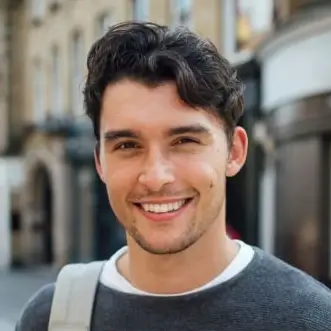
Full face sample
AI Wrinkle Remover — Smooth Lines Without Losing Texture
Targets forehead lines, crow’s feet, smile lines, and neck wrinkles while preserving realistic skin texture. It keeps facial structure intact so edits stay natural and consistent across a batch. Use it for portraits, campaigns, and social content when you need fast, clean retouching.
Try Now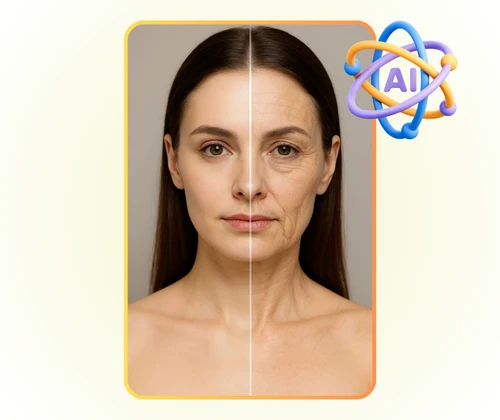
AI Wrinkle Remover Solution and Benefits natural skin
Fast wrinkle removal often sacrifices realism. Uneven lighting and low-quality input can push skin tone off balance, while simple filters flatten texture. This section explains what causes those issues so you can prevent them before editing.
The cause is uncontrolled smoothing that treats the face like a flat surface. The system reads structure, tone, and edge detail first, then applies targeted smoothing that preserves pores, highlights, and natural gradients.
The benefit is speed with credible texture. Compared with manual retouching or one-click filters, the workflow delivers consistent results across batches, reduces revisions, and keeps creative direction aligned.
Targeted smoothing
Reduces lines while keeping texture intact.
Identity protection
Maintains facial structure and expression.
Batch consistency
Keeps results uniform across multiple images.
Smoothing proof
Clean texture with balanced lighting.
AI Wrinkle Remover Benefits and Comparison
Benefits that keep wrinkle reduction clean, natural, and consistent.
AI Wrinkle Remover Texture Control
Preserves pores and fine detail while softening lines.
AI Wrinkle Remover Area Precision
Targets specific wrinkle zones without over-smoothing the rest.
AI Wrinkle Remover Faster Than Manual Retouching
Cuts editing time and keeps teams aligned on consistent output.
AI Wrinkle Remover Problems and Causes
Identify the issues that make wrinkle removal look unnatural and learn the root causes.
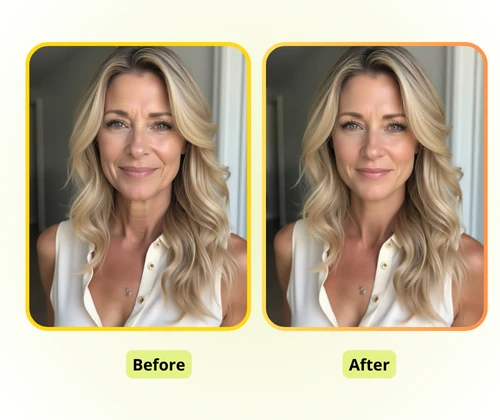
AI Wrinkle Remover Uneven Texture
Low light and compression exaggerate lines and make skin texture uneven. The workflow balances tone and detail to keep the face clean and realistic.
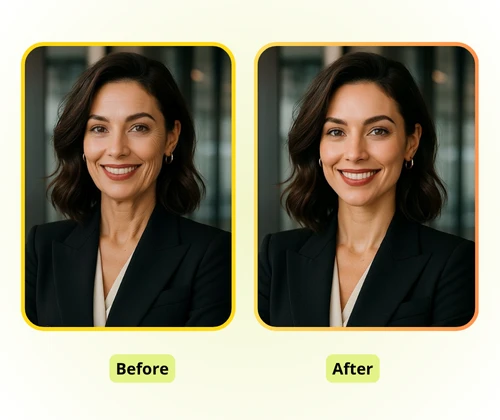
AI Wrinkle Remover Over-Smoothing
Aggressive smoothing removes pores and edges, creating a plastic look. The system preserves micro-texture while reducing wrinkles.
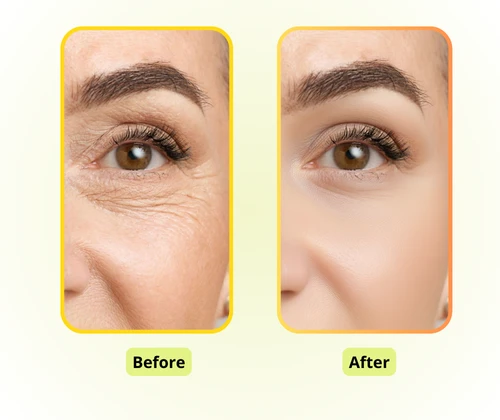
AI Wrinkle Remover Identity Drift
Heavy filters can distort expressions and structure. The workflow protects facial landmarks so the person still looks like themselves.
AI Wrinkle Remover Workflow in 3 Steps in 3 steps
A short, repeatable flow for wrinkle removal.
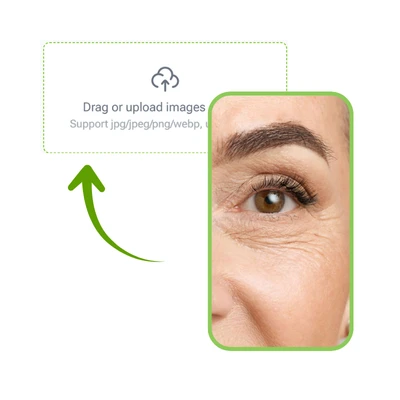
AI Wrinkle Remover Upload a Portrait
Upload a clear photo so the system can read lighting, texture, and facial structure accurately.
AI Wrinkle Remover Choose the Area
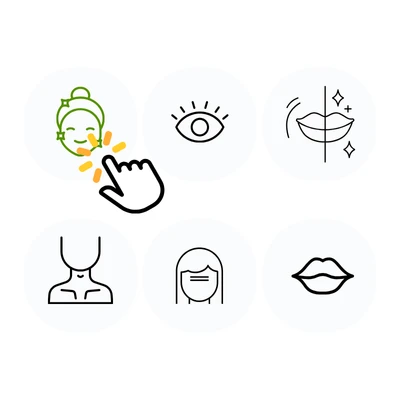
Pick full face, eye area, forehead, smile lines, perioral lines, or neck wrinkles for precise control.
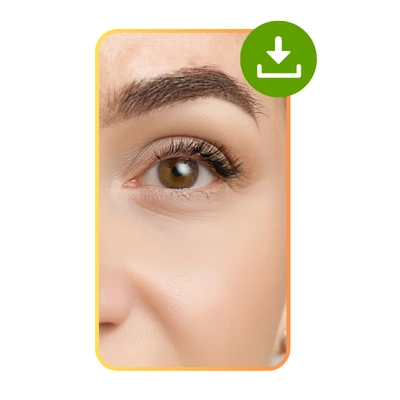
AI Wrinkle Remover Download the Result
Download the output and reuse the same area for consistent batches.
Start AI Wrinkle Remover Now
Upload a portrait and smooth wrinkles without losing texture.
AI Wrinkle Remover Reviews From Creators
AI Wrinkle Remover feedback on texture and consistency

“The results kept texture intact and reduced the hours we spend on manual touch-ups.”
“We can target different wrinkle zones and still keep the look consistent across a campaign.”
“It is fast enough for daily content while keeping skin texture believable.”
AI Wrinkle Remover FAQ
AI Wrinkle Remover answers to common questions
Quick guidance on texture, speed, and commercial usage.