
Free AI Photo Collage Maker
Turn your photos into stylish, ready-made collages with AI-powered layouts and easy online tools.


Family memories
AI Photo Collage Maker — Layouts That Feel Curated
Turns photo sets into cohesive layouts with consistent spacing, frames, and visual rhythm. It balances negative space and aligns edges so the collage looks intentional instead of random. Use it for travel memories, social campaigns, and product showcases when you need a polished collage fast.
Try Now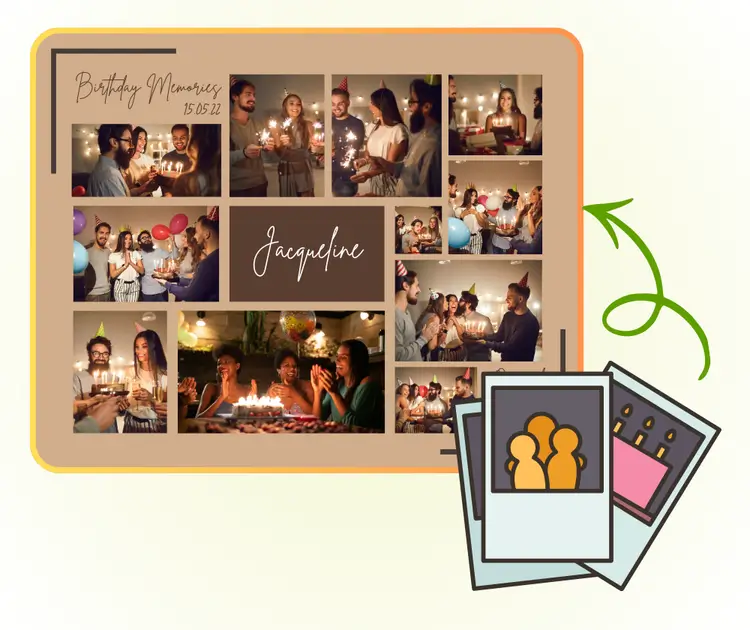
AI Photo Collage Maker Solution and Benefits cohesive layout
Quick collages often look messy because spacing and crop ratios shift between photos. When borders drift or subjects feel off-center, the result looks random instead of intentional. This section explains the core issues so you can avoid rework.
The cause is inconsistent spacing and uncontrolled crops. AI Photo Collage Maker measures each photo, aligns edges, and balances negative space so the composition feels consistent.
The benefit is speed without losing quality. Compared with manual layout or basic collage apps, AI Photo Collage Maker delivers repeatable results across batches and keeps creative direction aligned.
Spacing control
Keeps margins and frames uniform.
Style cohesion
Applies consistent frames and accents.
Batch output
Generates collages fast and consistently.
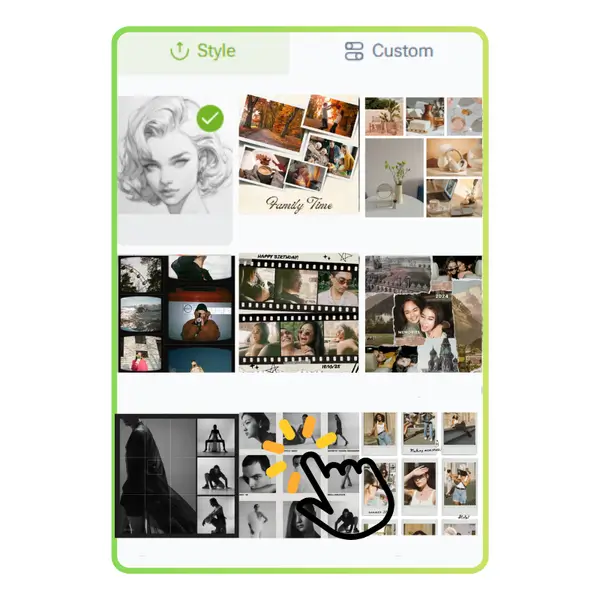
AI Photo Collage Maker layout proof
Balanced frames and consistent spacing across the collage.
Collage Benefits and Comparison
Benefits that keep collage layouts clean, consistent, and ready to share.
Collage spacing consistency
Locks margins, gutters, and frame thickness so every grid feels balanced and intentional.
Style-ready output
Applies cohesive framing, corner radius, and background tone for a curated, on-brand look.
Faster than manual layout
Automates crops and alignment so you can ship collages in minutes with fewer revisions.
AI Photo Collage Maker Problems and Causes
Find the layout issues that break collages and learn why they happen.
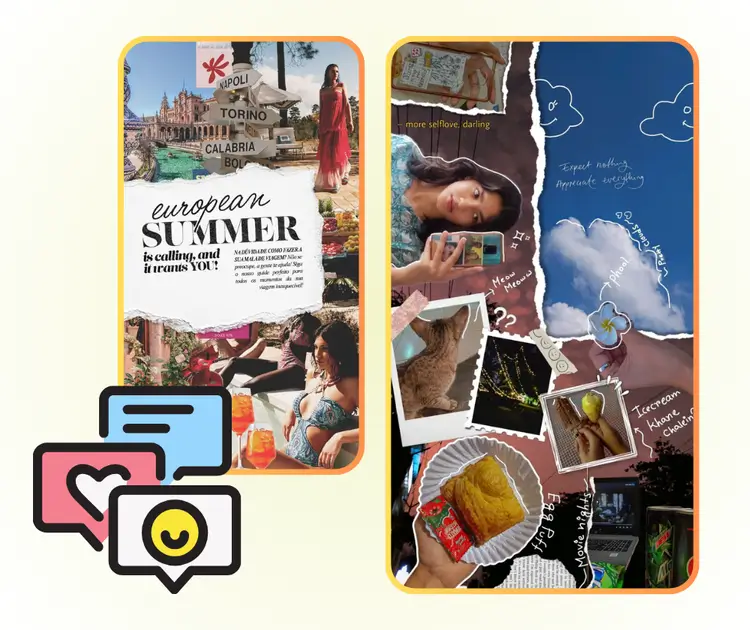
AI Photo Collage Maker Uneven Spacing
Manual layouts drift as margins shift. The workflow locks spacing and keeps frames aligned so the collage reads as one composition.
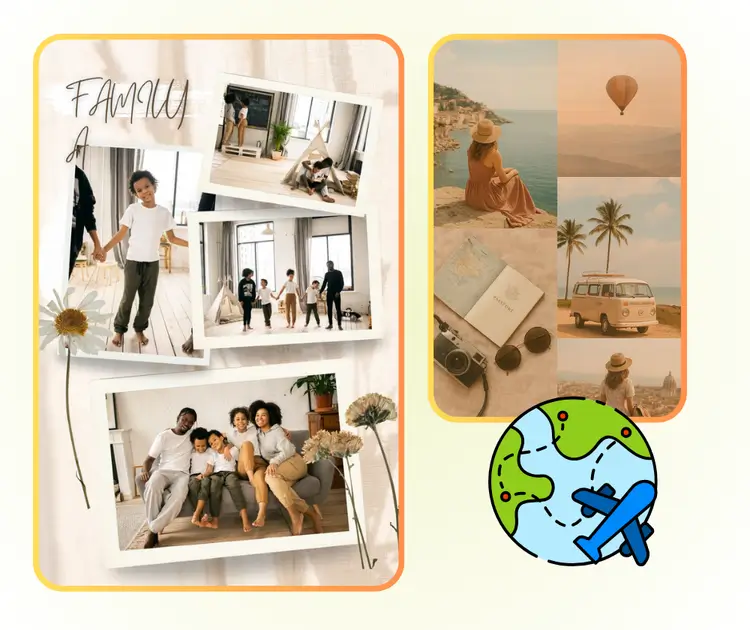
AI Photo Collage Maker Visual Noise
Too many mixed crops create chaos. The tool balances subject weight and trims gently to keep focus on the story.
AI Photo Collage Maker Style Drift
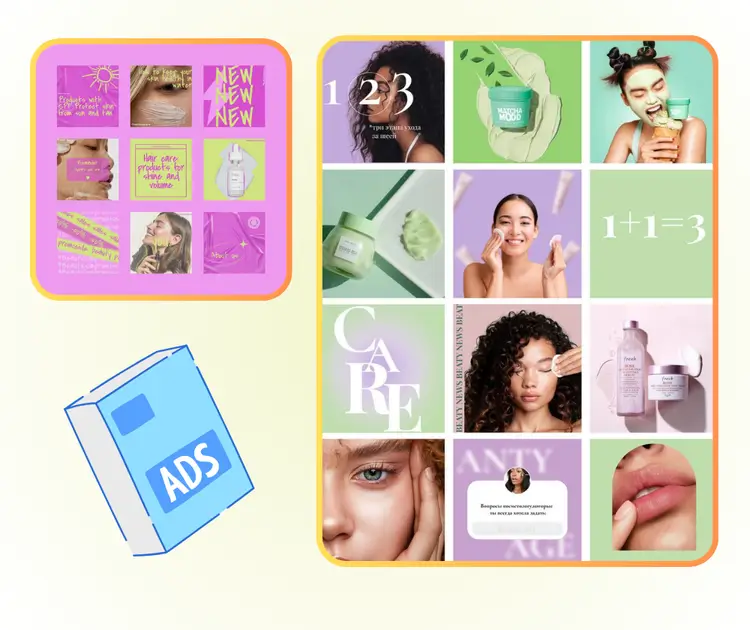
Random borders and colors break cohesion. The system applies a consistent style so the collage feels curated.
AI Photo Collage Maker Workflow in 3 Steps in 3 steps
A simple process for repeatable collage layouts.
Upload your photos
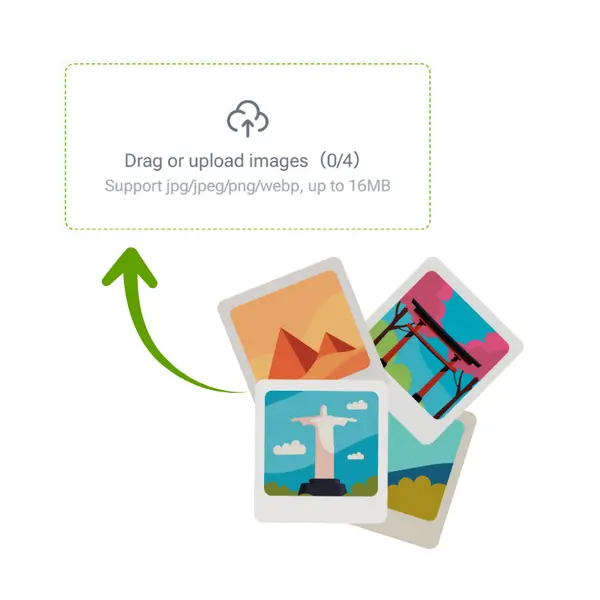
Upload a photo set so the system can measure spacing, crops, and subject weight.
Choose a collage style
Select a style to apply frames, spacing, and visual rhythm consistently.
Download the collage
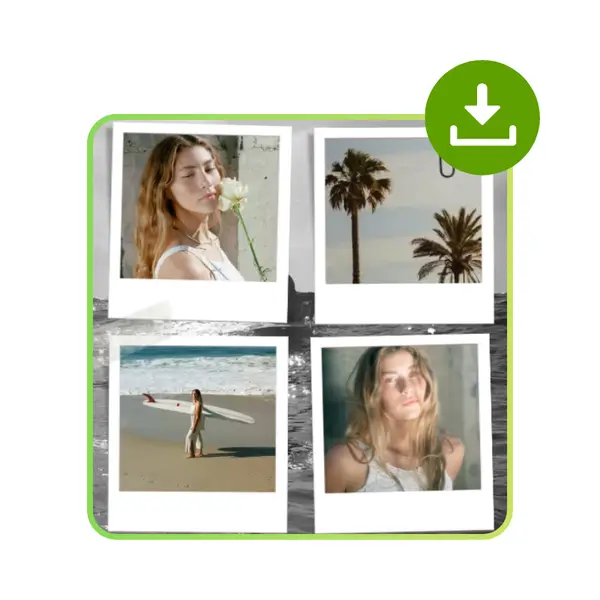
Download the finished collage and reuse the style for the next set.
Start AI Photo Collage Maker Now
Upload your photos and build a polished collage in seconds.
Collage Reviews From Creators
Feedback on layout consistency

“The collage layouts stay consistent across campaigns and save us hours every week.”
“We can move from raw photos to a polished collage without manual spacing fixes.”

“It keeps our social collages consistent while still feeling playful.”
AI Photo Collage Maker FAQ
Answers to common questions
Quick guidance on layout, speed, and commercial usage.