
Gemini Omni Flash Studio
Draft prompts for multimodal video generation and natural-language video edits inspired by Google's Gemini Omni model.

Multimodal video generation and editing
Works best with subject, motion, camera, audio, reference inputs, and constraints to preserve.
Official Gemini Omni Examples
Reference clips from Google's announcement show text-to-video creation, natural language edits, multimodal references, and grounded physics.


Alphabet montage generated from a complex text prompt.
Gemini Omni Flash AI Video Generator
Gemini Omni Flash is Google's first Gemini Omni model: a multimodal video system for creating clips from text, images, video, and audio references, then refining them with conversational edits.
Try Gemini Omni Flash Prompts
A Gemini video model built for creation and editing
Gemini Omni Flash is the first model in Google's Gemini Omni family. Google presents it as a way to create anything from any input, including text, image, video, and voice references, then keep editing with natural conversational language.
The model is designed for more than one-shot generation. The official examples show multi-turn editing, style changes, motion transfer, material transformations, camera angle changes, and audio-aware visual timing.
For creators and teams, the practical value is faster iteration: start with a prompt or reference, make specific edits in plain language, and keep the clip coherent across motion, style, sound, and story.
Any-input video
Build video from text, images, video references, and supported voice input.
Conversational edits
Iterate with natural language while preserving subject, timing, and motion.
SynthID transparency
Google says all Omni videos include its imperceptible SynthID watermark.
Gemini Omni Flash overview
Create from references, edit by conversation, and preserve coherent motion.
A New Workflow for AI Video Creation
Gemini Omni Flash combines generation, editing, reference understanding, and world knowledge in one video workflow.
Text to Video
Turn compact prompts into cinematic clips, explainers, motion studies, and social-ready scenes.
Natural Language Editing
Ask for edits such as new materials, changed environments, invisible objects, or new camera angles.
Multimodal References
Blend images, videos, text, and supported voice references into one cohesive output.
World Knowledge and Physics
Use Gemini's knowledge and improved physical reasoning for more meaningful and believable scenes.
Create, Edit, and Re-reference Video
Use Gemini Omni Flash for the workflows Google highlighted: text creation, iterative editing, and reference-driven composition.
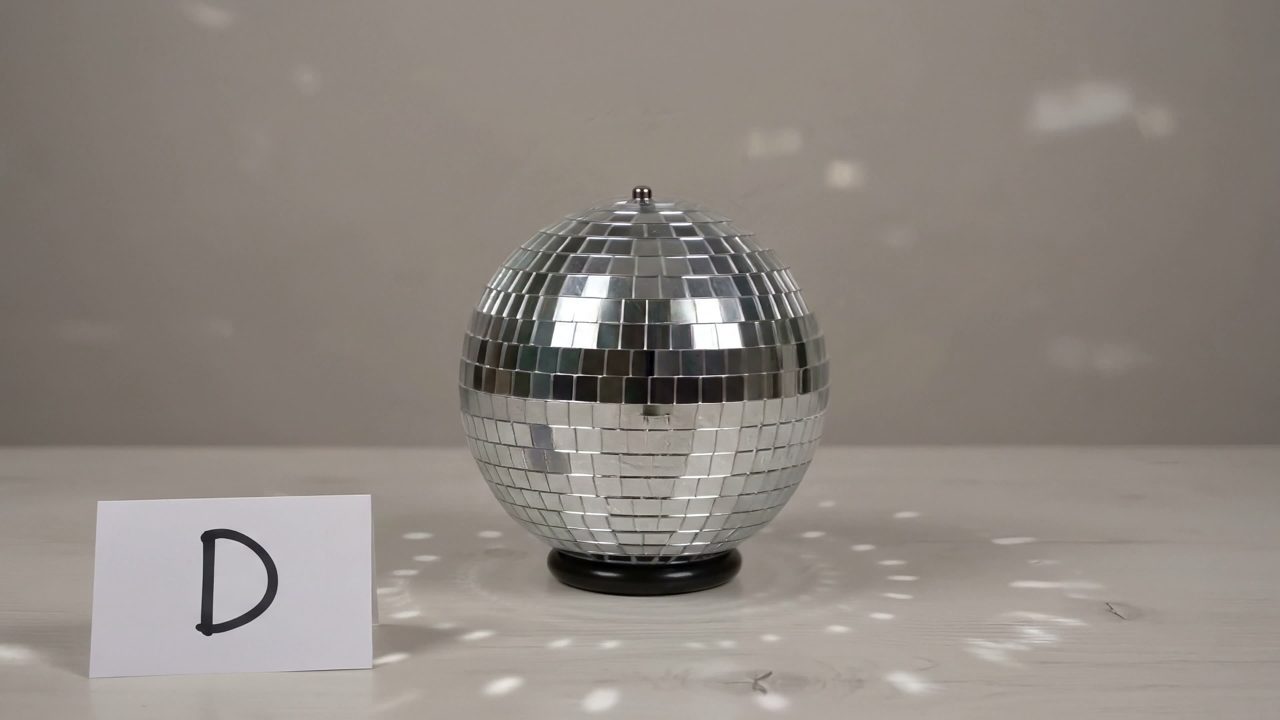
Text-to-video concepting
Start from a compact creative brief and generate a clip with motion, camera language, and sound direction.
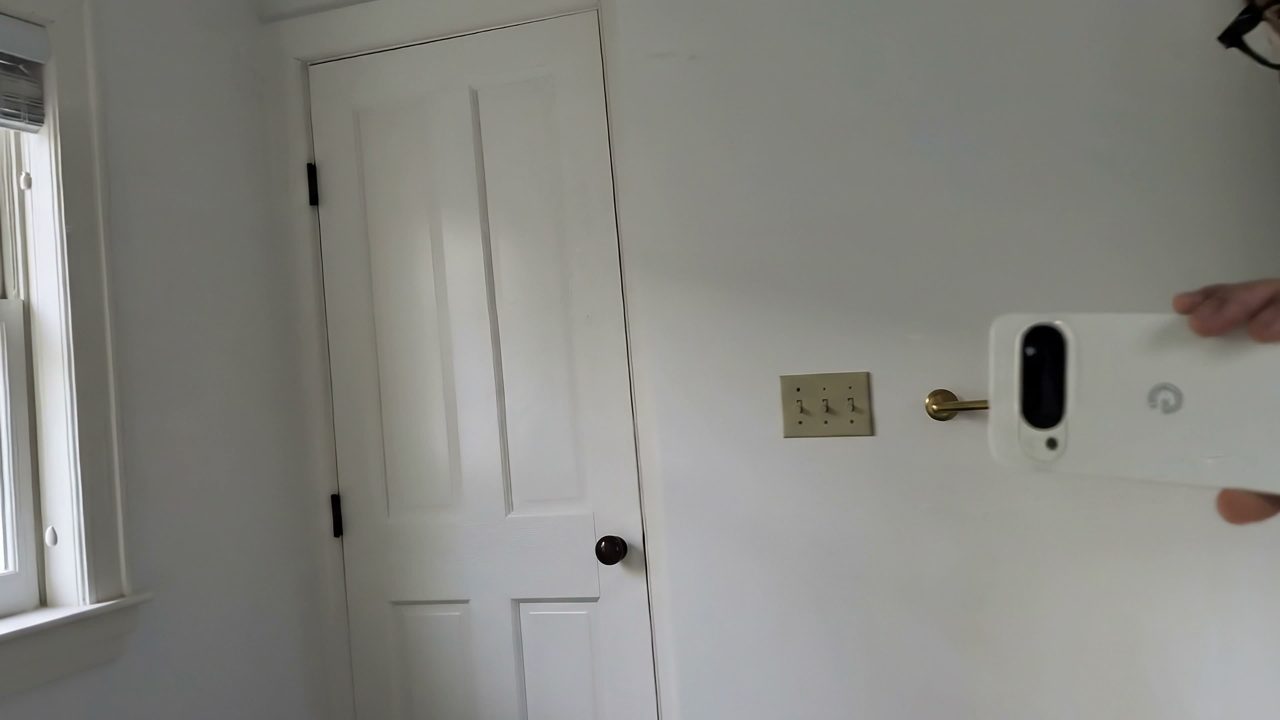
Natural language video edits
Change materials, remove objects, alter camera angles, or restyle a scene without manual timeline work.
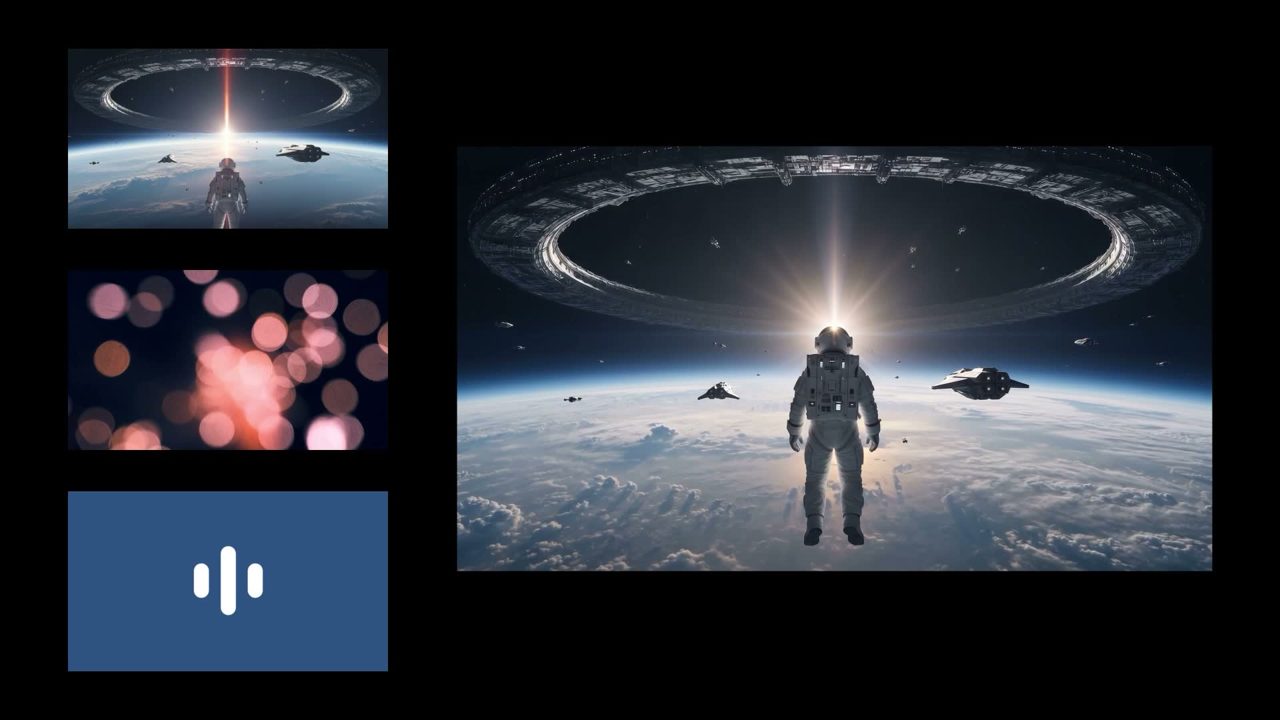
Reference-based production
Use reference media for identity, motion, style, and audio timing, then blend them into a single output.
Gemini Omni Flash Video Examples
These clips reference media from Google's Gemini Omni announcement and are included to show the kinds of generation and editing workflows the article demonstrates.
Source: Google BlogComplex Text Prompt Montage
An alphabet sequence uses fast object changes, lower thirds, and music from one detailed prompt.
Create an alphabet montage with unusual objects, matching lower thirds, and calm music.
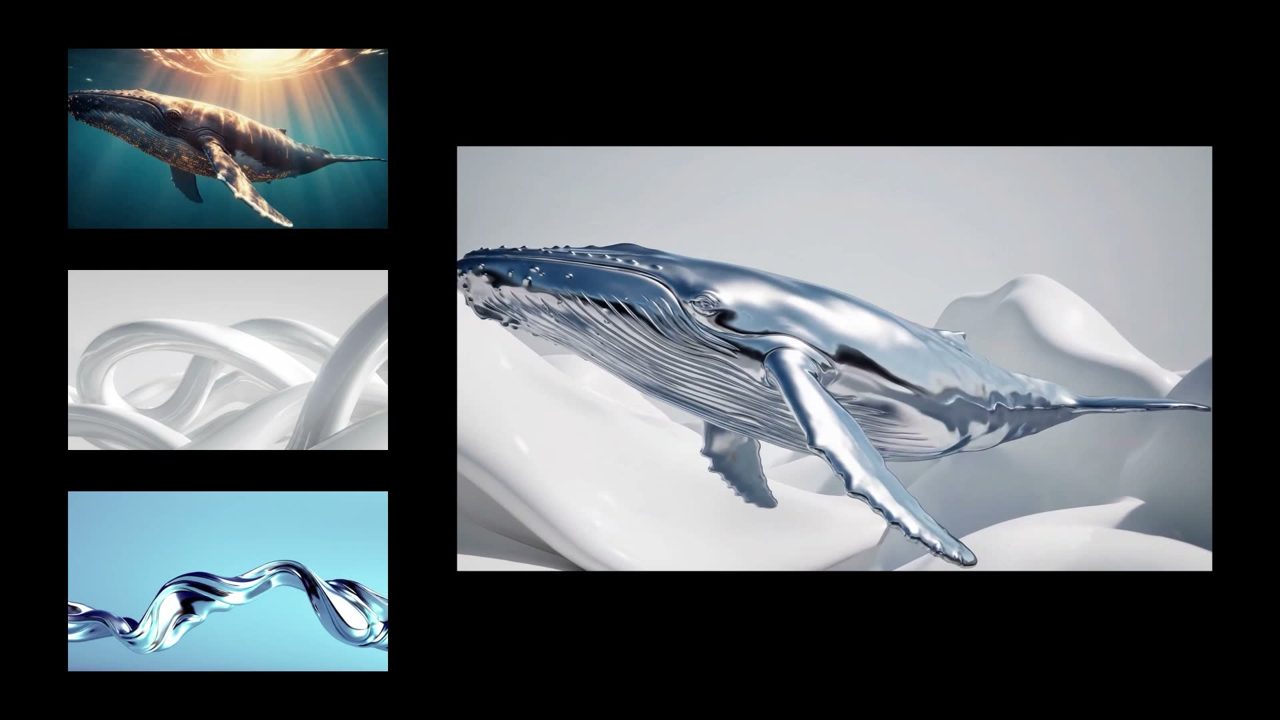
Liquid Mirror Edit
A natural-language edit turns a mirror into rippling liquid and transforms an arm into reflective material.
Make the mirror ripple beautifully like liquid and make the arm reflective.
Multi-turn Violin Edit
The article demonstrates changing the same violin clip over multiple edits, including removing the visible instrument.
Make the violin invisible while keeping the performance coherent.
Physics Chain Reaction
A marble rolls through a chain-reaction track with continuous motion and audio.
A marble rolling fast on a chain reaction style track, continuous smooth shot.
Image + Video + Audio Reference
A sci-fi clip combines image, video, and audio references into one synchronized output.
Use image, motion video, and audio timing references to create a dynamic sci-fi clip.
Drawing to Realistic Footage
A drawing guides the motion while the final output becomes realistic footage.
Turn the drawing into realistic footage while using it only as a guide for movement.
Three Steps to Better Gemini Omni Flash Prompts
The model rewards clear intent, concrete reference roles, and explicit instructions for what should stay stable during edits.
Choose the source inputs
Decide whether the clip starts from text, image, video, audio, or a combination of references.
Describe motion and constraints
Name the subject, movement, camera path, style, audio timing, and details Gemini Omni Flash should preserve.
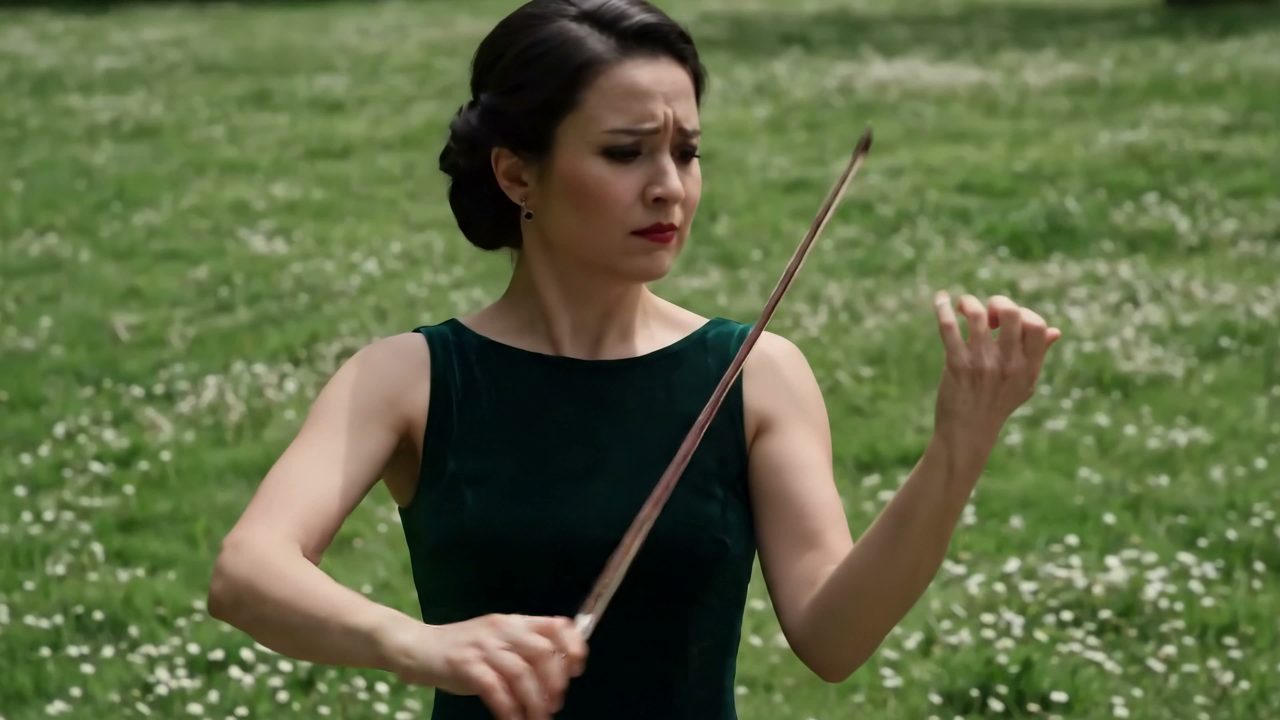
Iterate conversationally
Follow up with precise edits such as material changes, camera angle changes, style transfer, or object removal.
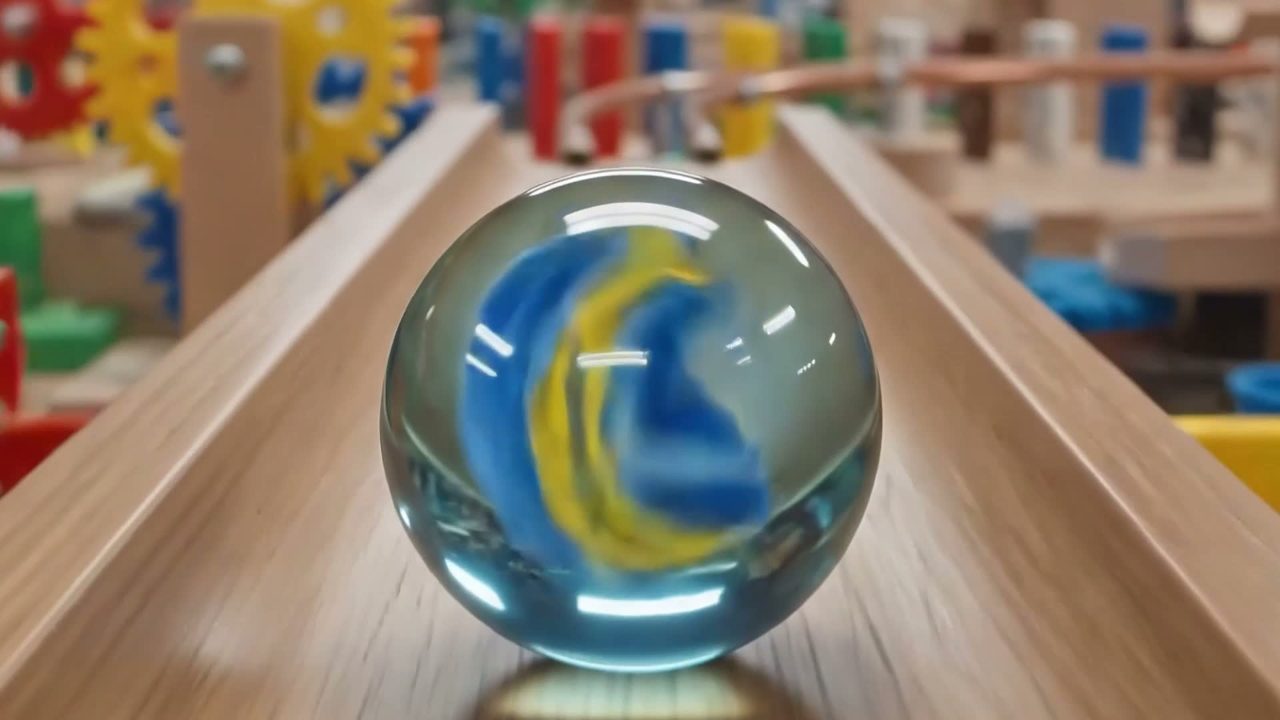
Ground video in Gemini's world knowledge
Google describes Omni as combining visual generation with Gemini's knowledge of physics, science, history, and cultural context. That helps clips become more than visually plausible: they can carry clearer meaning and better explain complex ideas.
Designed with transparency signals
The official announcement says all Omni videos include Google's imperceptible SynthID digital watermark, with verification support through Gemini app surfaces, Gemini in Chrome, and Google Search.
Explore More Creative AI Tools
Pair Omni-style video planning with image generation, editing, and other media workflows.
Veo 4 AI Video Generator
Create text-to-video and image-to-video clips in a video-first workflow.
Gemini Flash Image Editing
Edit images with Gemini Flash-style prompt workflows.

AI Image Editor
Use prompt-based editing for everyday image transformations.

Creation Gallery
Browse creative images and videos from the broader AI studio.
Write a Better Gemini Omni Flash Prompt
Use the prompt studio above to turn a creative idea into a structured brief for text-to-video, reference-driven video, or conversational editing.