

Quick and precise image edits
Works best with clear, direct instructions.
Free AI Image Editor
Edit images instantly with AI while preserving detail, lighting, and structure. Free, secure, and no sign-up.


AI Image Editor Sample: Change object color




Free AI Image Editor - Edit Images Online, No Sign-Up
Edit photos online in seconds. Upload an image, describe the change, preview the result, and download a clean, realistic output for free.
Start AI Image Editor Free
What is AI Image Editor?
AI Image Editor is a browser-based editor that applies precise changes from text prompts. Upload a photo, explain the edit, and the tool generates a new version while preserving composition, lighting, and texture.
Instead of layers and long tutorials, you focus on the outcome. Describe the change in plain language and receive a natural edit in seconds, with the option to refine and regenerate.
For creators and teams, the workflow stays lightweight while keeping control. You can match brand style, keep consistent color, and iterate quickly without switching between apps.
AI Image Editor Keeps Composition and Details
Edits keep textures and edges natural without over-processing.
AI Image Editor Handles Many Edit Types
Remove objects, change colors, replace objects, or adjust backgrounds from one prompt.
AI Image Editor Speeds Up Production
Reduce manual steps and deliver more images in less time.
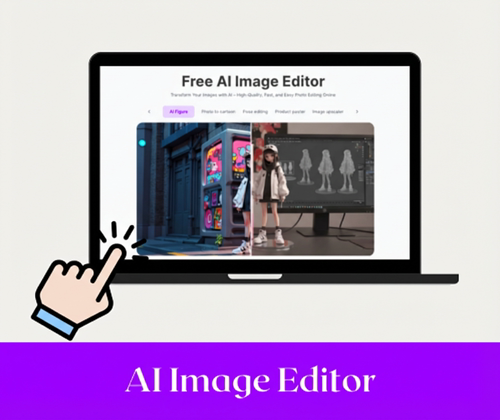
AI Image Editor overview
Simple prompts, realistic results.
Why AI Image Editor is Recommended?
Compared with traditional editors, it is faster, more accessible, and flexible enough for daily content, campaigns, and product imagery.
AI Image Editor Is Faster Than Traditional Editors
Turn multi-step workflows into one prompt and receive results in seconds. Great for rapid iterations when time is limited.
AI Image Editor Is Easier Than Complex Design Suites
No layers or brushes needed; just describe the change and preview instantly. That keeps editing approachable for new users.
AI Image Editor Is Free, Flexible, and Export-Ready
Download common formats quickly for social, marketing, or print use. Files are ready for sharing without extra conversion.
Struggling with Image Editing? AI Image Editor Handles It
Editing can be slow, expensive, and packed with complex tools. Short prompts and fast previews cut the manual steps so you can focus on ideas, not busywork.
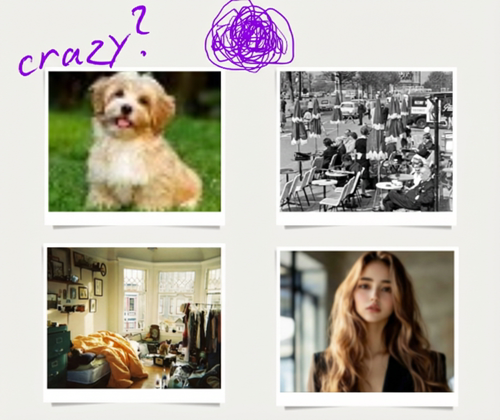
AI Image Editor Fixes Slow Manual Retouching
One prompt replaces long masking and brush work, keeping edits consistent and fast. This is ideal for quick fixes, client previews, and repeated variations.
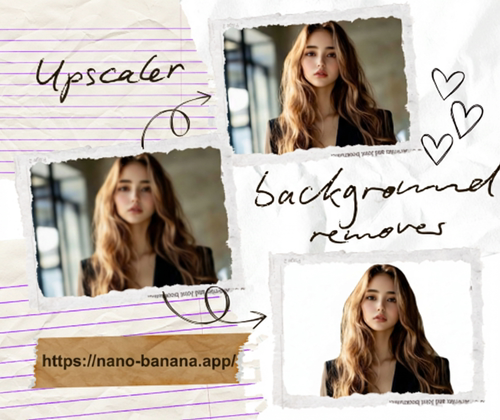
AI Image Editor Removes Complexity from Pro Software
Skip layers and plugins by describing the change and letting the edit render automatically. You still get control through clear prompts without the learning curve.
AI Image Editor Gives One-Page Editing from Start to Finish
Upload, prompt, preview, and download in one place to keep production moving. Fewer tabs and fewer exports mean less friction.
How to Use AI Image Editor?
Three simple steps keep the flow clear: upload, describe, and download. Each step is designed for speed without losing quality.
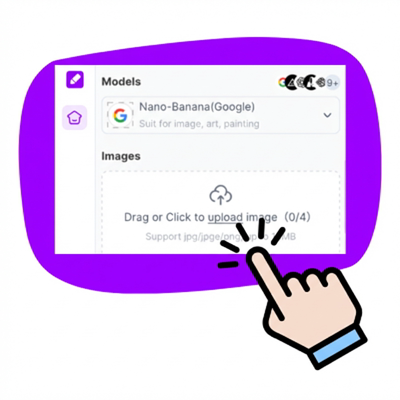
AI Image Editor Step 1: Upload Your Photo
Upload JPG, PNG, or WebP and get ready to edit. Clear, well-lit images usually deliver the best result.
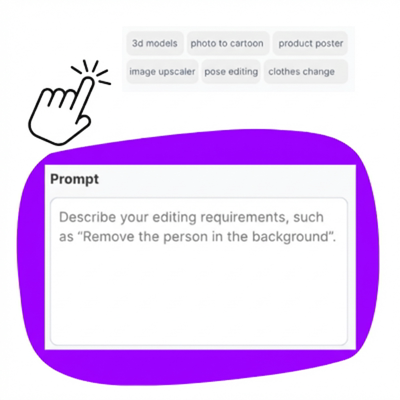
AI Image Editor Step 2: Describe the Edit
Type a short request like replace background or change product color. Add details about style, tone, or mood to guide the output.
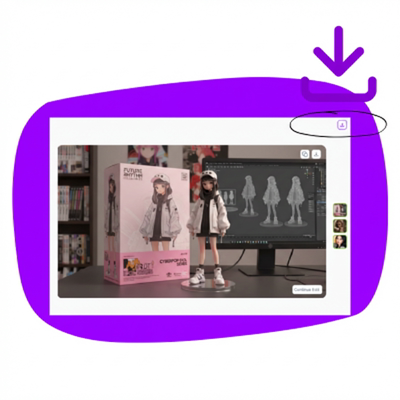
AI Image Editor Step 3: Preview and Download
Review, refine if needed, and download the final image. Re-generate until the edit matches your idea.
Start Editing with AI Image Editor Online
Upload a photo, describe the change, and get a clean result in seconds. Try it free and iterate until the edit fits your idea.
What Users Say About AI Image Editor
“Simple to use and delivers a clean result in minutes. I just describe the edit and download.”
“I can swap backgrounds and keep product shots consistent without extra software.”
“Fast enough for daily social posts and flexible enough to test different prompts.”
“Great for quick previews when clients want alternate looks without a full retouch.”
FAQs About AI Image Editor
Answers to common AI Image Editor questions about workflow, safety, and results.