
Drag or upload image
Support jpg/jpeg/png/webp, up to 10MB
Secure processing with privacy protection
Free AI Image Translator
Translate text in images instantly. AI preserves original fonts and layout. Free, secure, and no sign-up.


E-commerce sample
AI Image Translator
Translate menus, posters, labels, screenshots, and product images without breaking spacing or typography. The workflow detects text, recreates it in the target language, and reflows paragraphs so designs still look native. Use this workflow to localize ecommerce listings, travel posters, UI screenshots, and knowledge diagrams when speed and consistency matter.
Try Now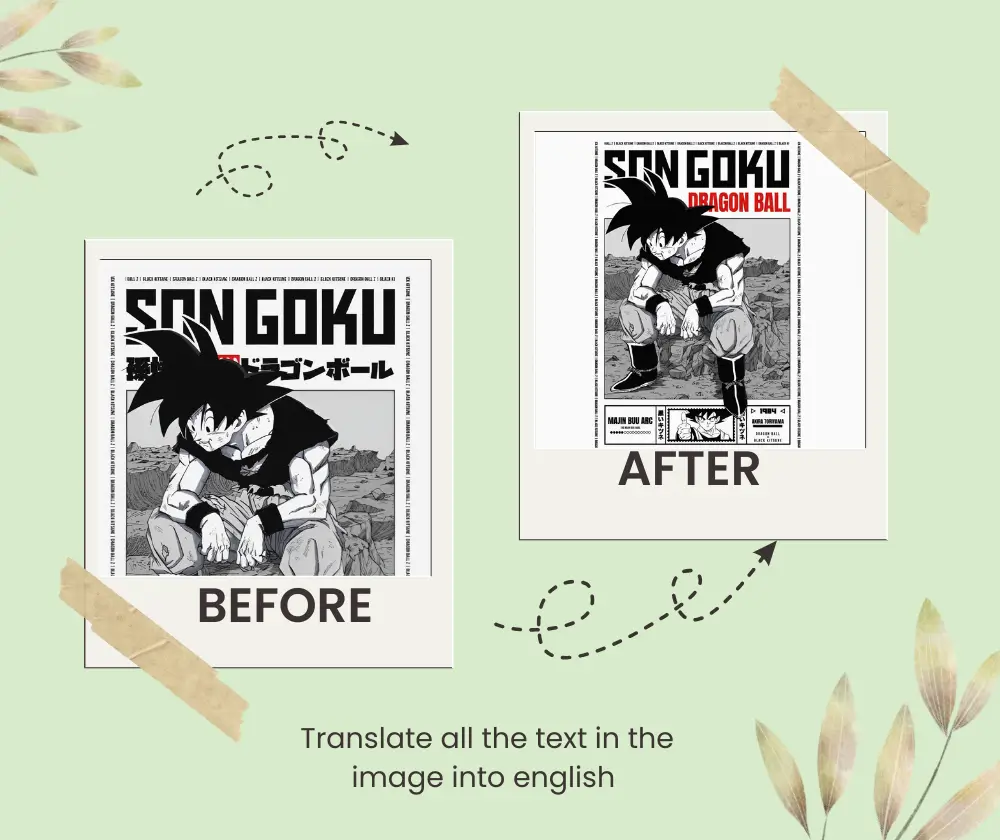
AI Image Translator Solution and Benefits layout-preserving translation
Translating text inside images usually means redrawing blocks, matching fonts, and fixing spacing by hand. A structured pipeline reads hierarchy, isolates text regions, and generates replacements that fit the original design.
The main cause of broken output is language length variation. The system measures each container, reflows lines to safe lengths, and matches spacing so the translation stays readable. This approach keeps font weight, contrast, and visual rhythm intact.
The benefit is speed without quality loss. Compared with manual localization or basic OCR replacement, the tool delivers consistent results across batches and reduces revisions, making localization predictable for teams.
Precision detection
Targets text regions without shifting the design.
Typography protection
Keeps font tone, spacing, and hierarchy intact.
Rapid delivery
Delivers usable results in seconds.
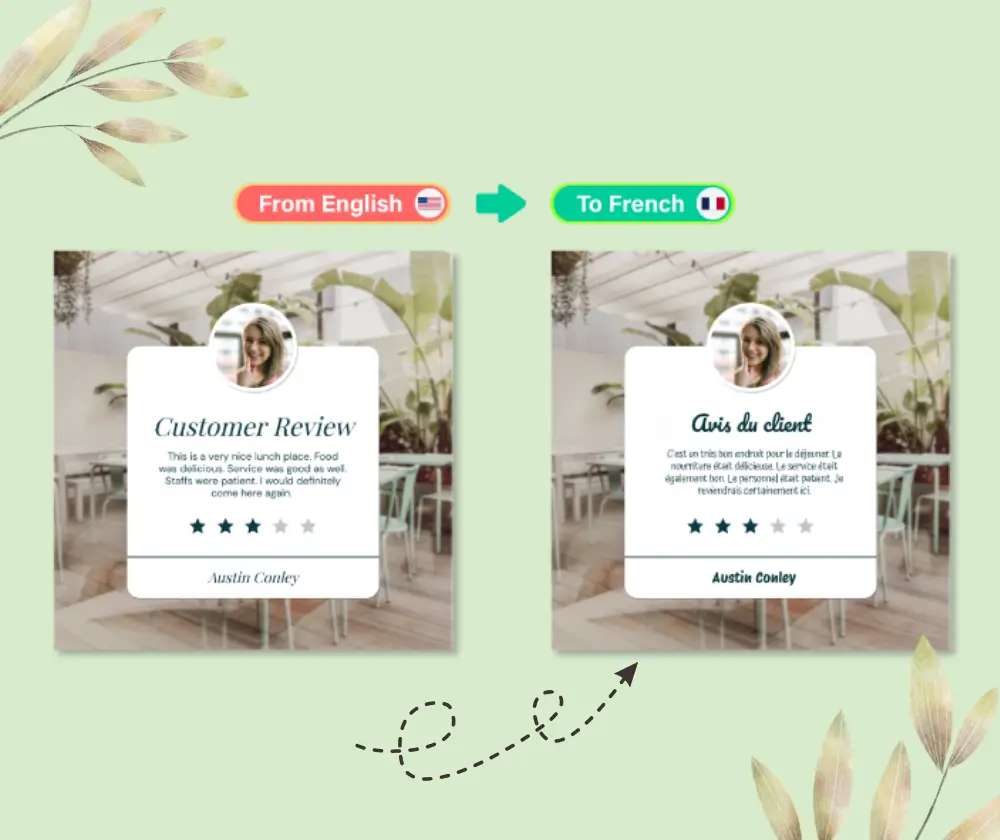
AI Image Translator layout-preserving proof
Output keeps spacing and typography aligned.
AI Image Translator Benefits and Comparison
Benefits that keep localization fast and visually consistent.
AI Image Translator Layout Preservation
Keeps blocks aligned, spacing balanced, and margins consistent so translated text looks designed, not pasted.
AI Image Translator Font and Tone Matching
Matches font tone, weight, and contrast so the translated image stays on brand.
AI Image Translator Faster Than Manual Translation
Reduces turnaround time and makes batches predictable compared with manual editing.
AI Image Translator Problems and Causes
Focus on layout issues that usually break localization so you can fix the cause, not just the text.

AI Image Translator E-commerce Listings With Mixed Languages
Global listings often stack multiple languages on a single card, so text blocks collide and spacing collapses when translated manually. This workflow measures each label area, rebalances line length, and keeps pricing callouts aligned. The goal is consistent grids without overlap or cramped typography.
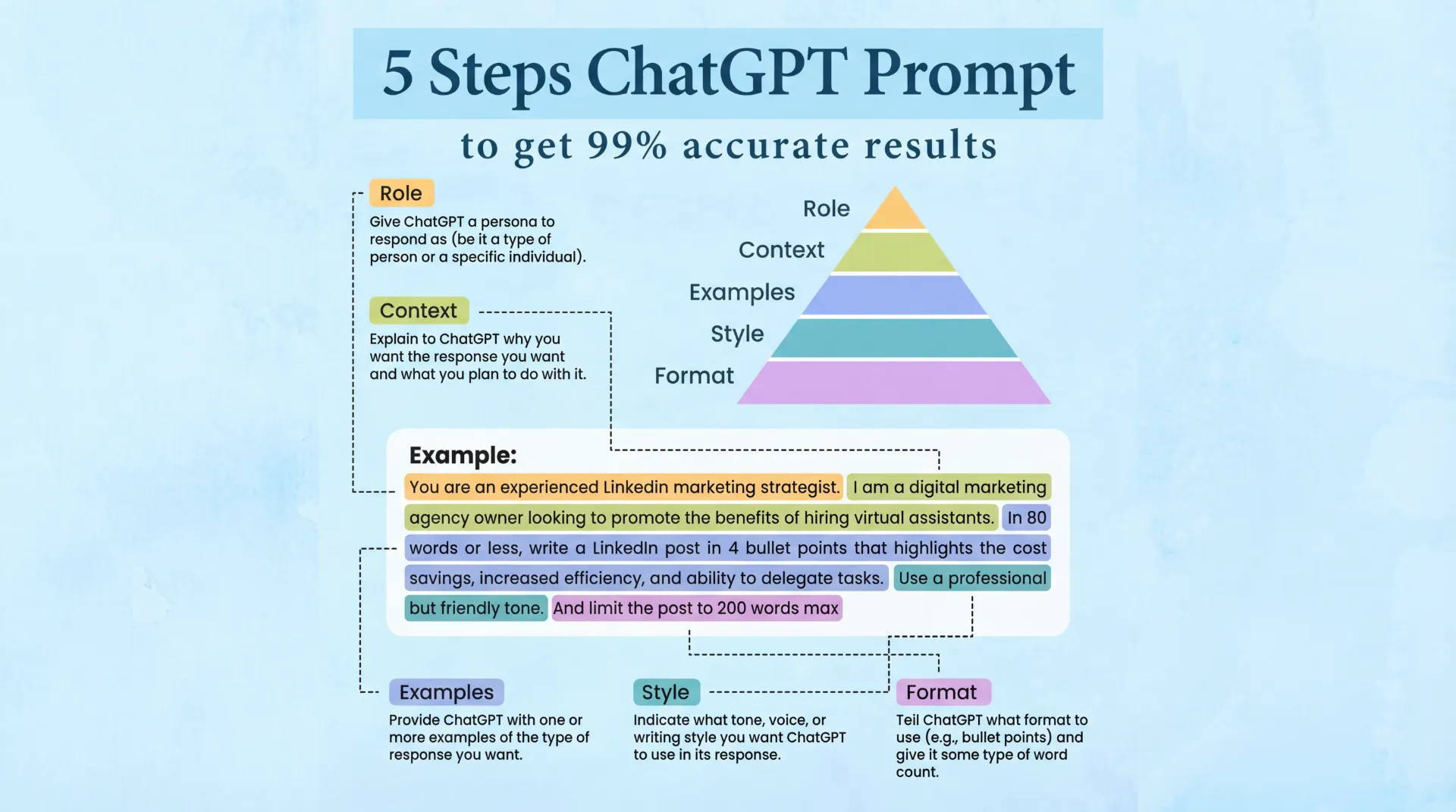
AI Image Translator Knowledge Diagrams With Dense Labels
Dense labels expand and overlap arrows when translated. The tool keeps hierarchy by resizing line length, respecting margins, and protecting leader lines so diagrams stay readable at a glance.
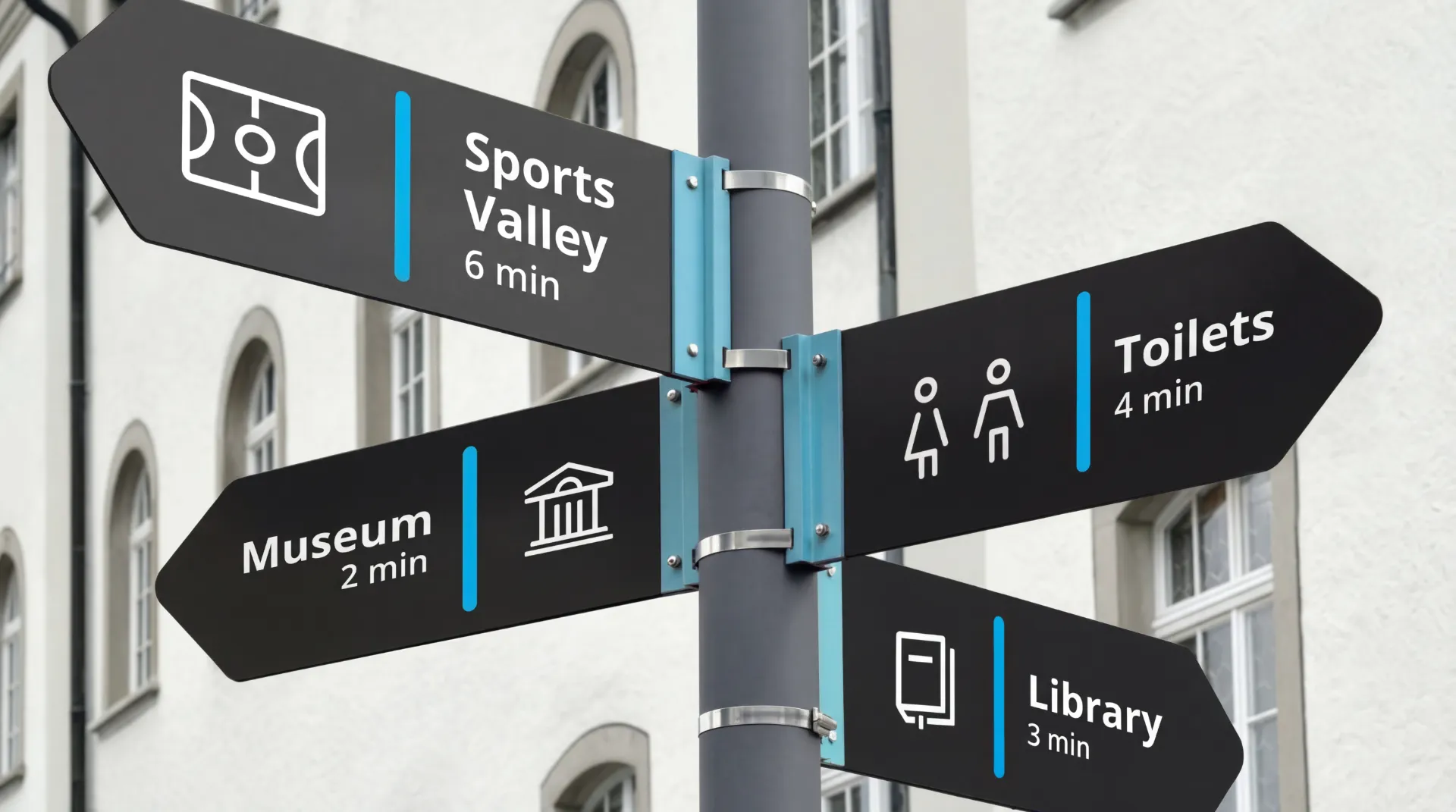
AI Image Translator Travel Posters With Tight Layouts
Posters rely on balance and negative space; long translations can cover the hero image. The workflow matches tone, controls line length, and preserves alignment so the headline still feels intentional.
AI Image Translator Workflow in 3 Steps in 3 steps
A simple flow built for repeatable image localization.
AI Image Translator Upload the Image
Upload a clear image so every text layer is detected and mapped to its container.
AI Image Translator Choose the Target Language
Choose the target language and the system rewrites text with length-aware phrasing while keeping alignment intact.
AI Image Translator Download the Localized Result
Download the localized image and reuse the same settings for the next batch.
Start AI Image Translator Now
Upload an image and translate text while keeping layout, fonts, and spacing consistent.
AI Image Translator FAQ
AI Image Translator answers for common localization questions
Quick answers about image text translation.