
GPT Image 2 Studio
Create from text or edit uploaded images with ChatGPT Image 2 in one flow.

Text to image and image to image
Works best with a subject, setting, style, and details to keep.
What You Can Create
Use GPT Image 2 for text to image, image to image, image editing, style transfer, and prompt-driven design variations.


GPT Image 2 text to image sample




GPT Image 2 - Any Image You Want
Create and edit images online with ChatGPT Image 2. Turn prompts into visuals, transform references, and download polished results from one browser studio.
Start GPT Image 2 Free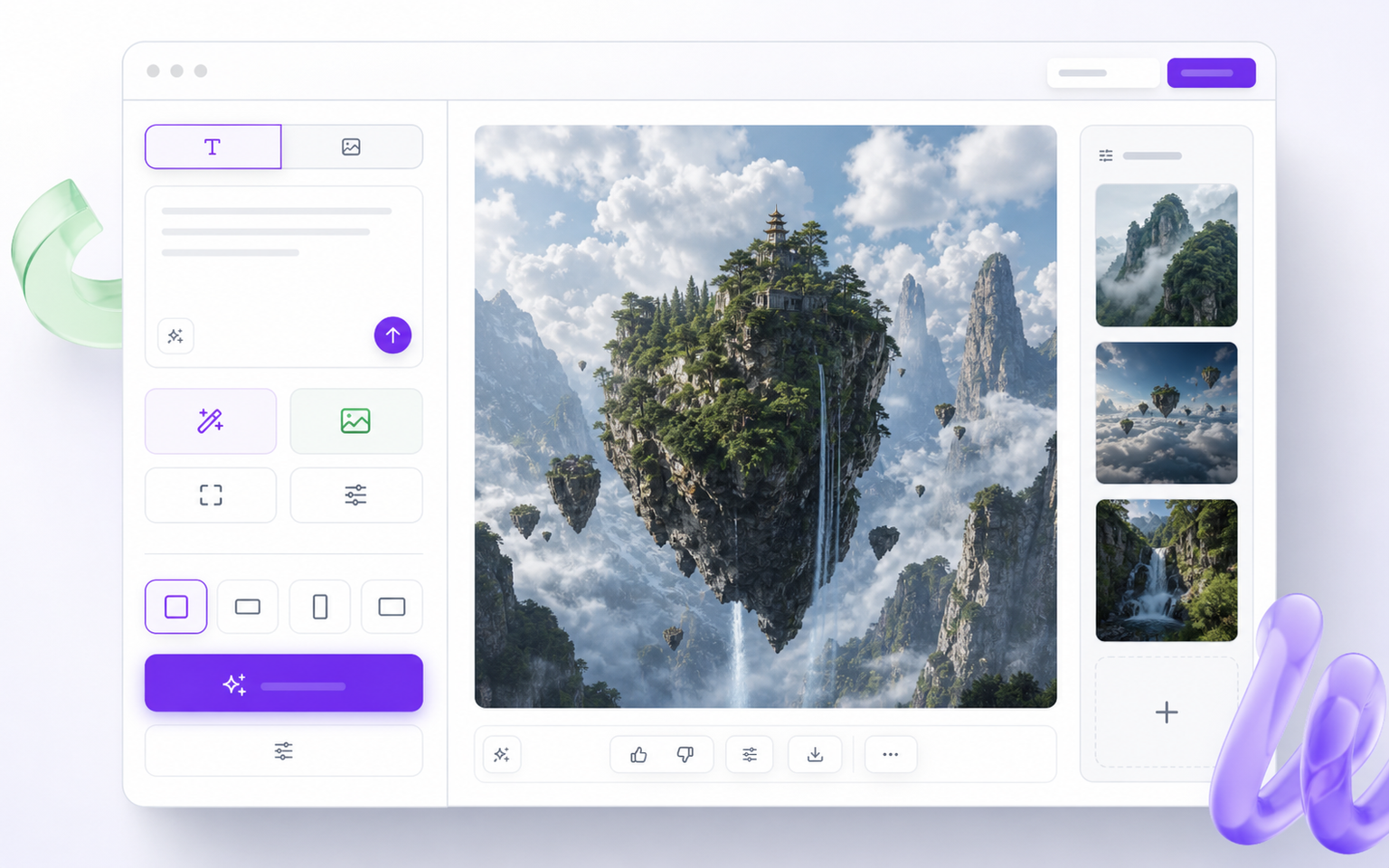
What is GPT Image 2?
GPT Image 2 is a prompt-first image model workflow for creating new images and editing existing ones. Describe the result, upload optional references, and the studio builds a clean image while following composition, lighting, and detail instructions.
The same ChatGPT Image 2 workflow covers text to image, image to image, mask inpainting, background changes, and style transfer. That keeps creative work in one place instead of scattered across many tools.
For marketers, designers, store owners, and creators, gpt-image-2 helps move from idea to visual faster while preserving brand direction and character consistency.
Text to Image
Create a new image from a detailed prompt without uploading a reference.
Image Editing
Replace, remove, restyle, or refine parts of an uploaded image.
Consistent Results
Keep characters, products, and visual direction more stable across iterations.
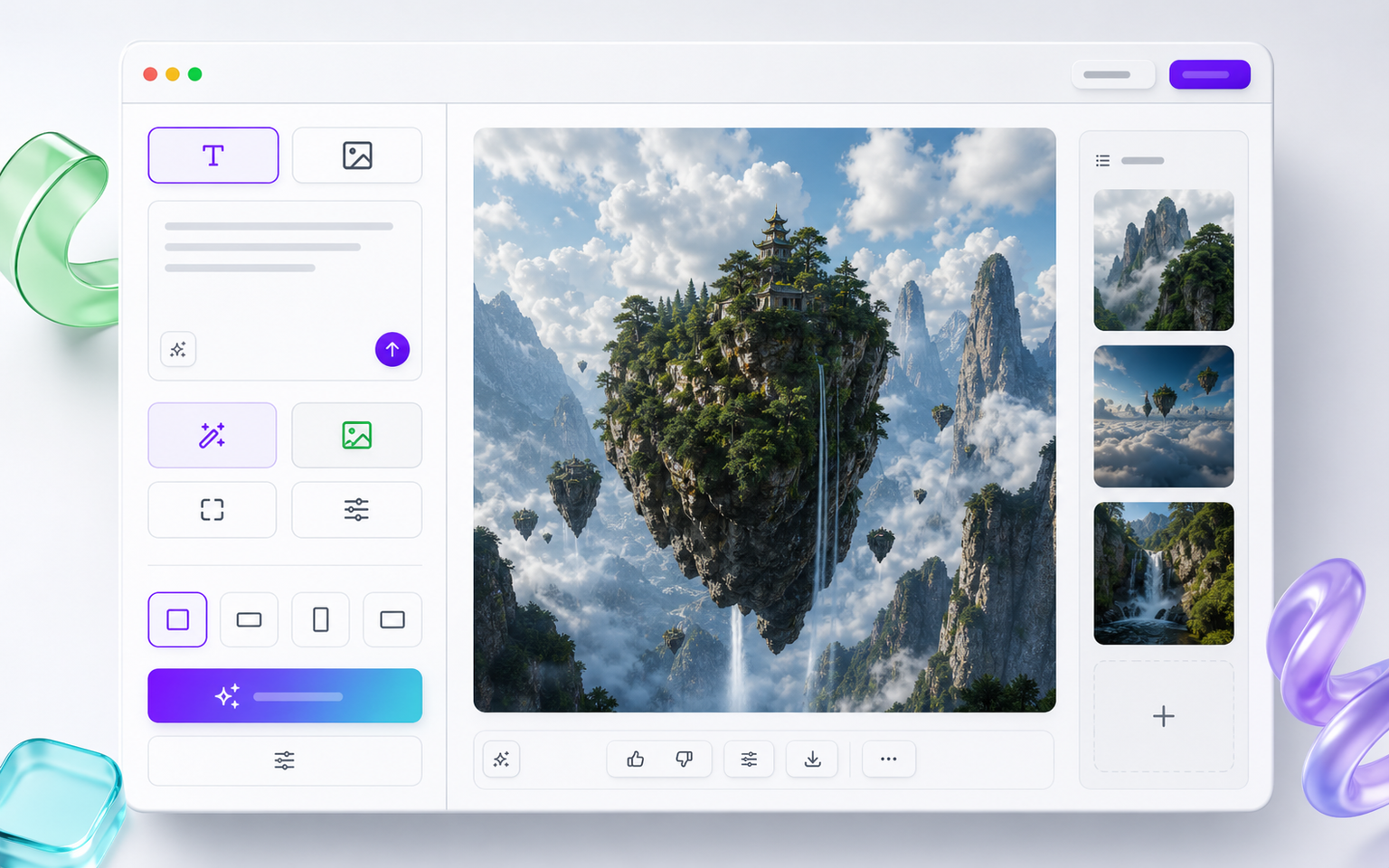
GPT Image 2 overview
One studio for prompts, references, and downloads.
The Most Powerful ChatGPT Image Generator
GPT Image 2 brings generation, editing, character control, and export-ready sizing into one prompt-driven browser workflow.
Text to Image
Generate original visuals from prompts, from product scenes to editorial concepts and social posts.
Image Editing
Use GPT-Image-2 to edit existing photos, replace objects, remove distractions, and refine details.
Character Consistency
Keep a person, mascot, or product recognizable while changing scenes, poses, and style direction.
Two Native GPT Image 2 Modes
Use the same studio for text-to-image and image-to-image requests without sending unsupported aspect, quality, or output fields.
A Full Creative Studio in Your Browser
Use ChatGPT Image 2 for the common variants creators expect: text prompts, image references, inpainting, and style-controlled production.
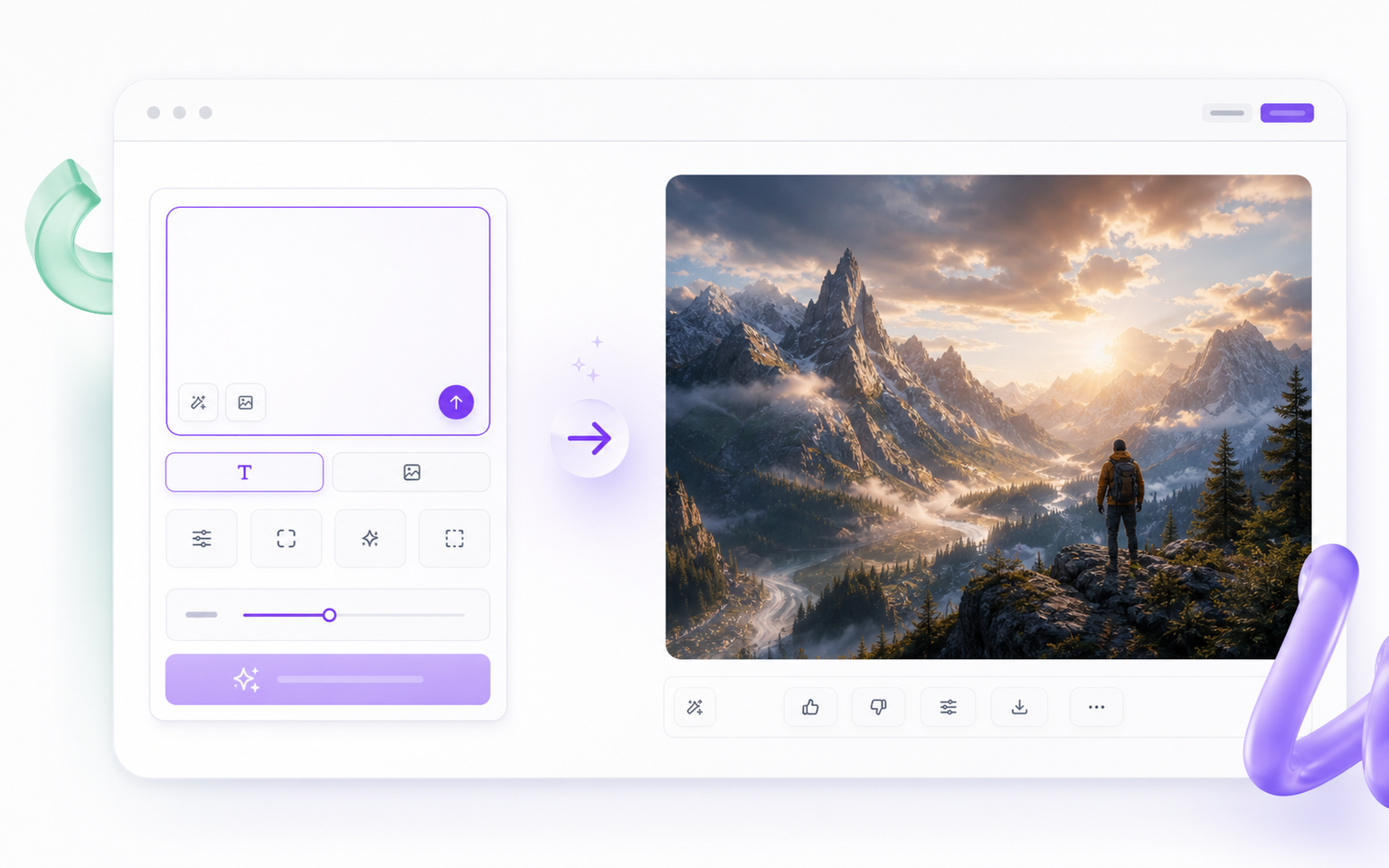
Text to Image with GPT Image 2
Turn a written idea into a polished visual with a clear subject, scene, style, and lighting direction.
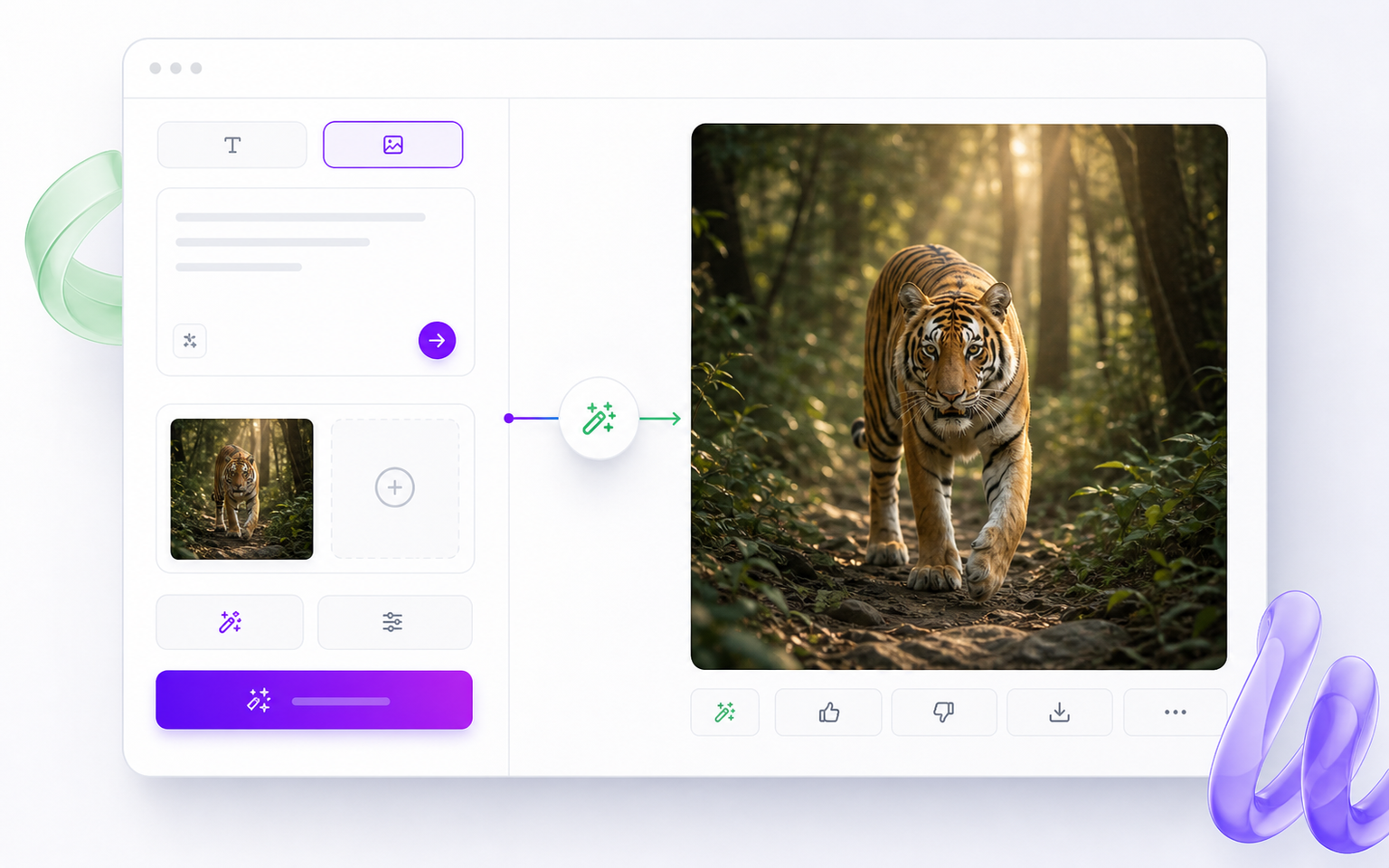
Image to Image and Reference Edits
Upload a reference and ask GPT-Image-2 to restyle, extend, replace, or improve it while keeping useful structure.
Prompted Style Variations
Create sharper variations with style direction, reference details, and repeatable prompt patterns.
Three Steps to Create Any Image
Start with a prompt, add optional references, then preview and download. The flow is built for fast iteration across text-to-image and image-to-image tasks.
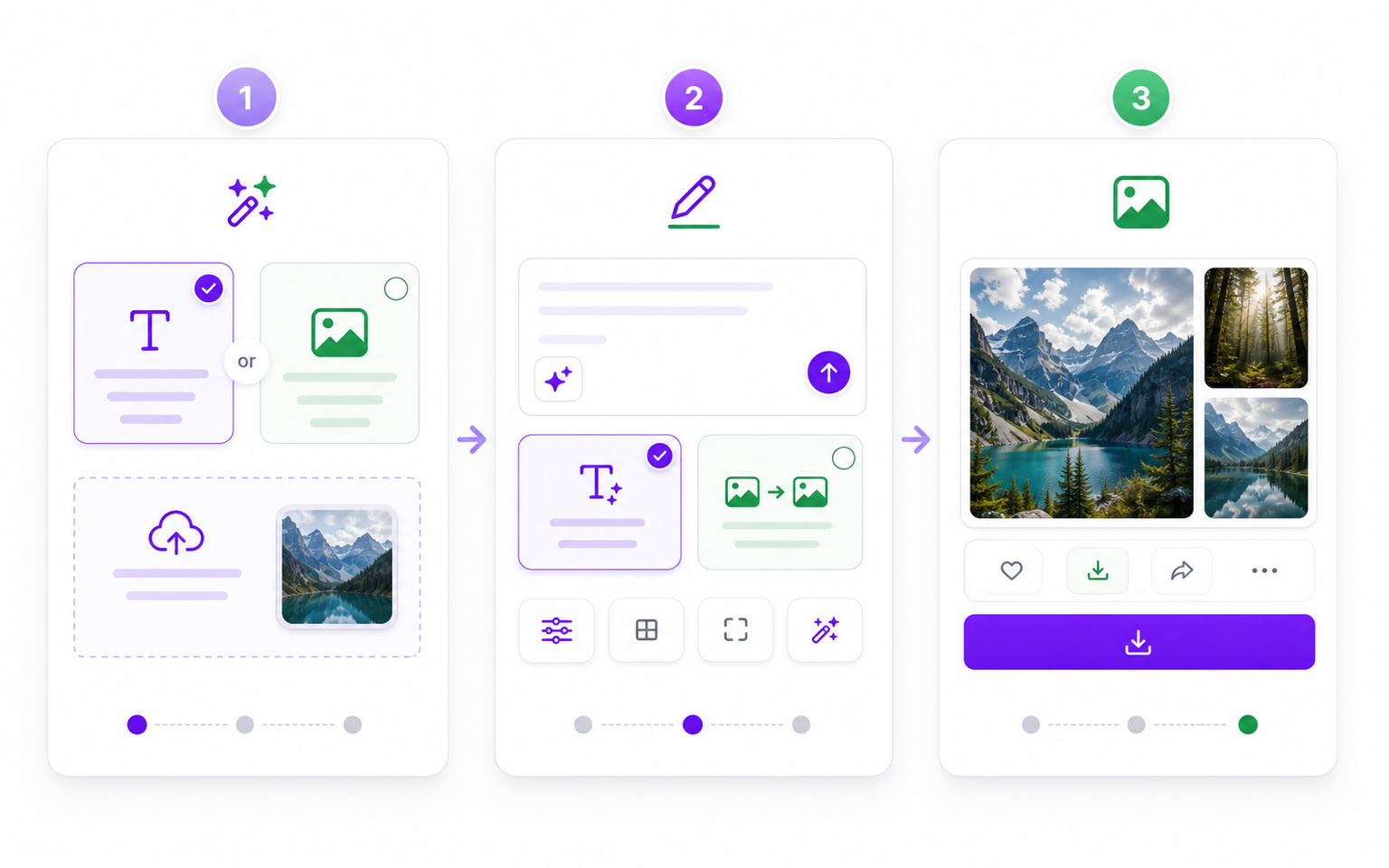
Step 1: Choose Text or Image Input
Start from a blank prompt or upload one to four reference images for GPT Image 2 to transform.
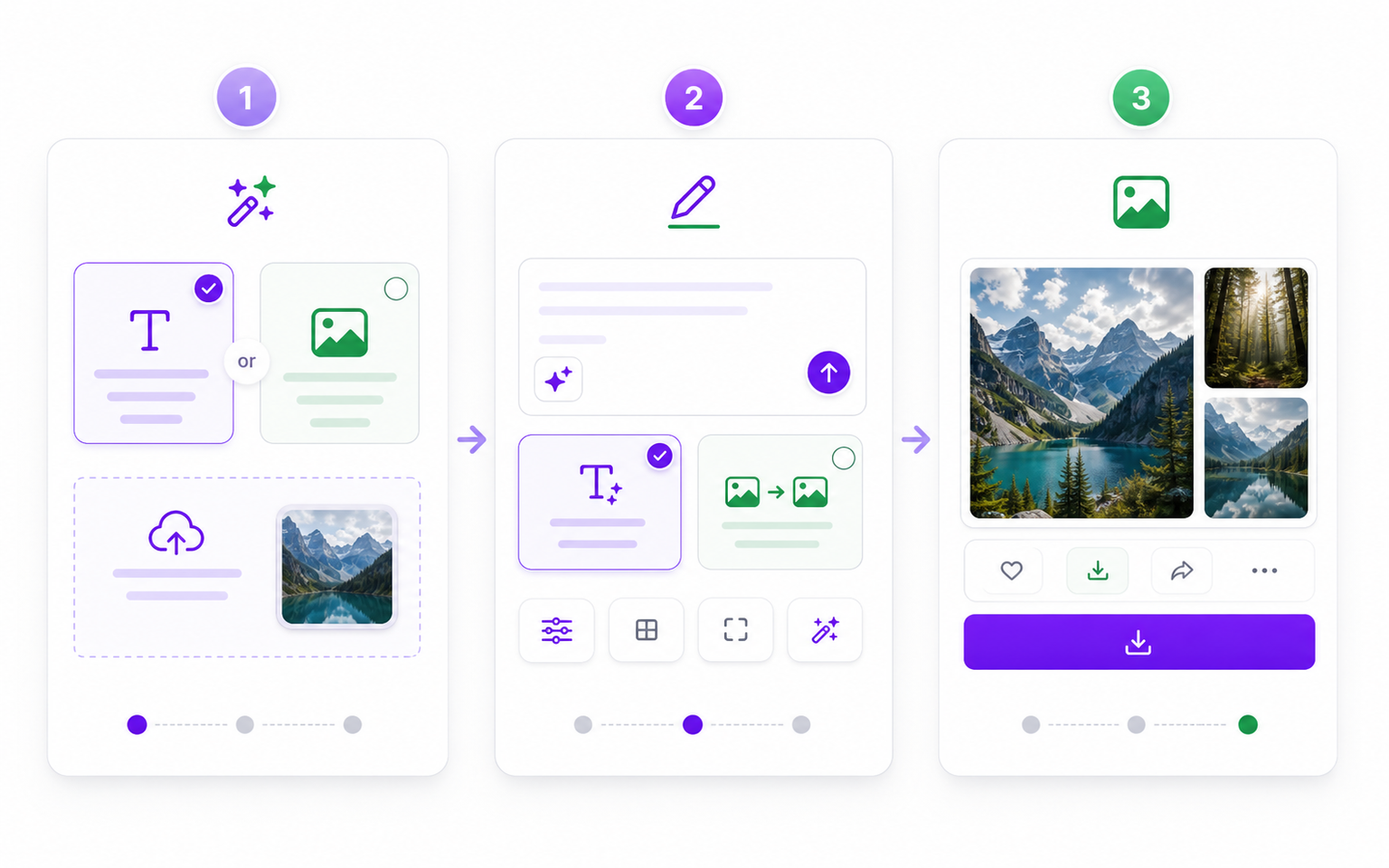
Step 2: Write the Prompt and Choose the Mode
Describe the scene, then choose text-to-image for a new visual or image-to-image when you have a reference.
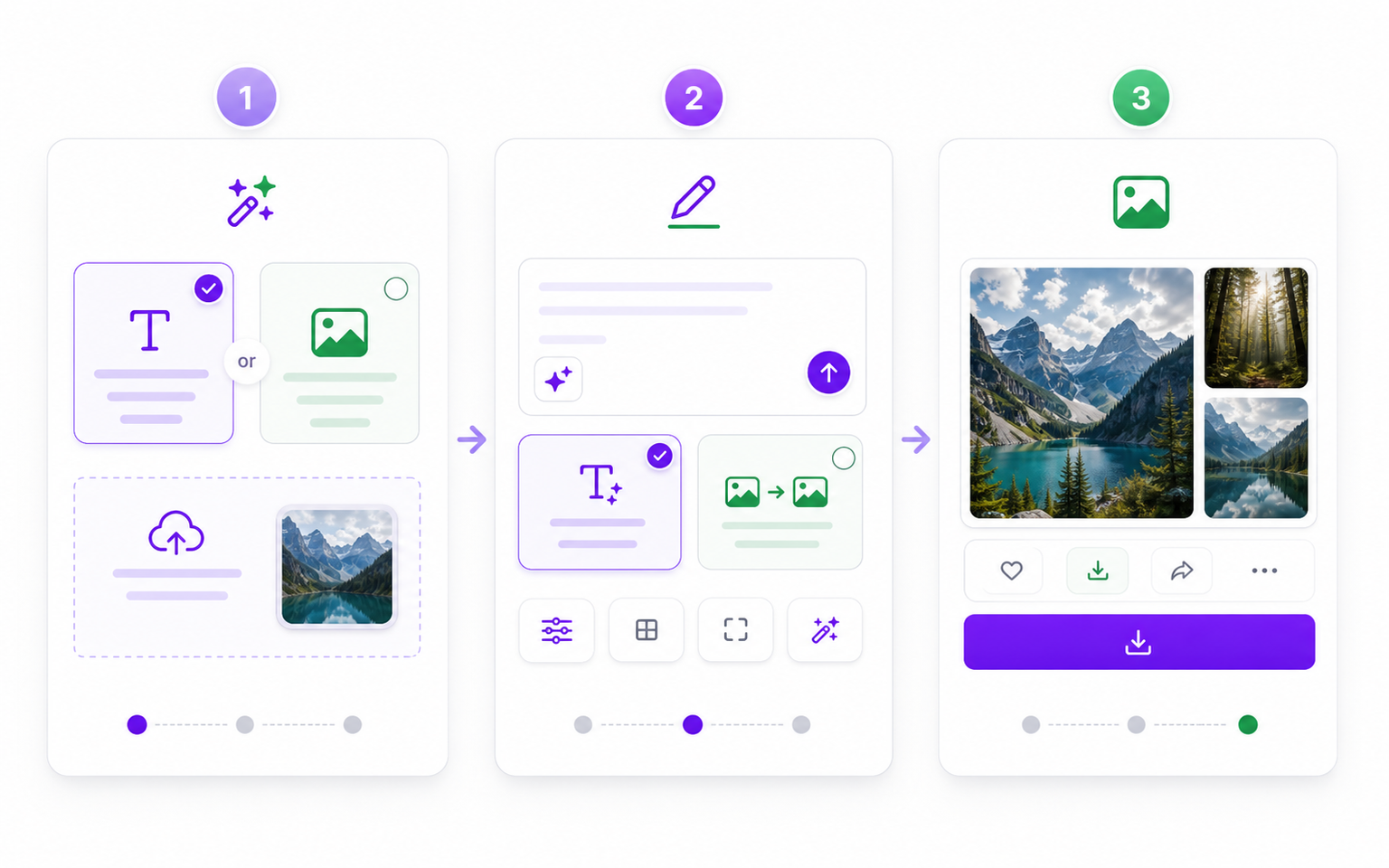
Step 3: Generate, Refine, and Download
Preview the result, adjust the prompt if needed, and download the finished GPT Image 2 image.
Start Creating Images with GPT Image 2
Use one studio for text to image, image to image, image editing, style direction, and prompt-driven variations. Start free and iterate quickly.
What Creators Say About GPT Image 2

“GPT Image 2 makes prompt tests and reference edits feel like one workflow instead of four separate apps.”
“I can create product scenes, change backgrounds, and keep sizes consistent for listings.”
“The text to image and image editing modes are fast enough for daily campaign variations.”
“Character consistency is the big win. I can explore scenes without losing the core design.”
Frequently Asked Questions
Answers to common questions about GPT Image 2, ChatGPT Image 2, GPT-Image-2, and gpt-image-2 workflows.