
Drag or upload image
Support jpg/jpeg/png/webp, up to 10MB
Secure processing with privacy protection
Free AI Age Filter
See younger and older looks while preserving identity, skin texture, and lighting. Free, fast, and secure.


Childhood sample
AI Age Filter — Realistic Age Progression in Minutes
Preview baby, teen, adult, and elderly looks without losing identity. It preserves facial structure, keeps skin texture believable, and respects the original lighting so the transformation feels natural. Use it for family storytelling, creative campaigns, or social content when you need a fast age shift.
Try Now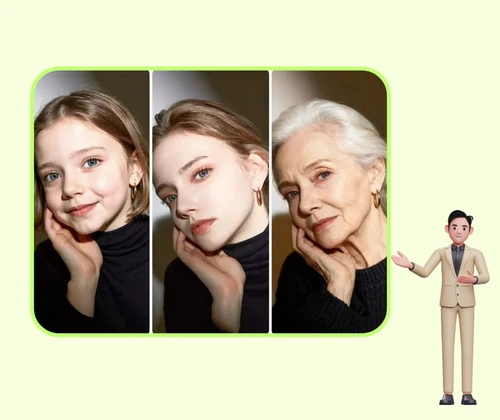
AI Age Filter Solution and Benefits realistic output
Fast age edits often sacrifice realism. When lighting shifts or the input is compressed, skin tone drifts and texture breaks, leaving results that look artificial. This section highlights the issues that reduce quality so you can avoid repeated fixes.
The main cause is uncontrolled edits that treat the face as a flat surface. The system reads structure, tone, and edge detail first, then applies targeted changes that keep proportions, expression, and lighting consistent.
The benefit is speed with believable results. Compared with manual retouching or one-click filters, the workflow produces consistent outputs across batches, reduces revision cycles, and keeps creative direction aligned.
Precision control
Applies targeted changes without flattening detail.
Identity safety
Keeps facial structure and expression intact.
Batch consistency
Maintains a stable look across multiple images.
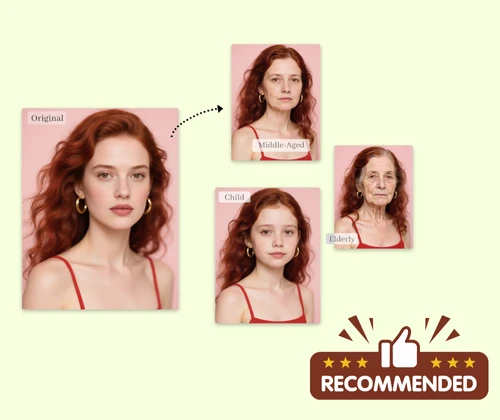
Consistency proof
Clean texture and balanced lighting across the face.
AI Age Filter Benefits and Comparison
Benefits that keep age edits realistic and consistent.
AI Age Filter Identity Protection
Preserves facial structure, expression, and proportions while shifting age details.
AI Age Filter Skin Texture Control
Maintains pores, hair detail, and natural gradients without plastic smoothing.
AI Age Filter Faster Than Manual Retouching
Cuts editing time and keeps large batches consistent for teams and creators.
AI Age Filter Problems and Causes
Spot the issues that make age edits look fake and understand why they happen.
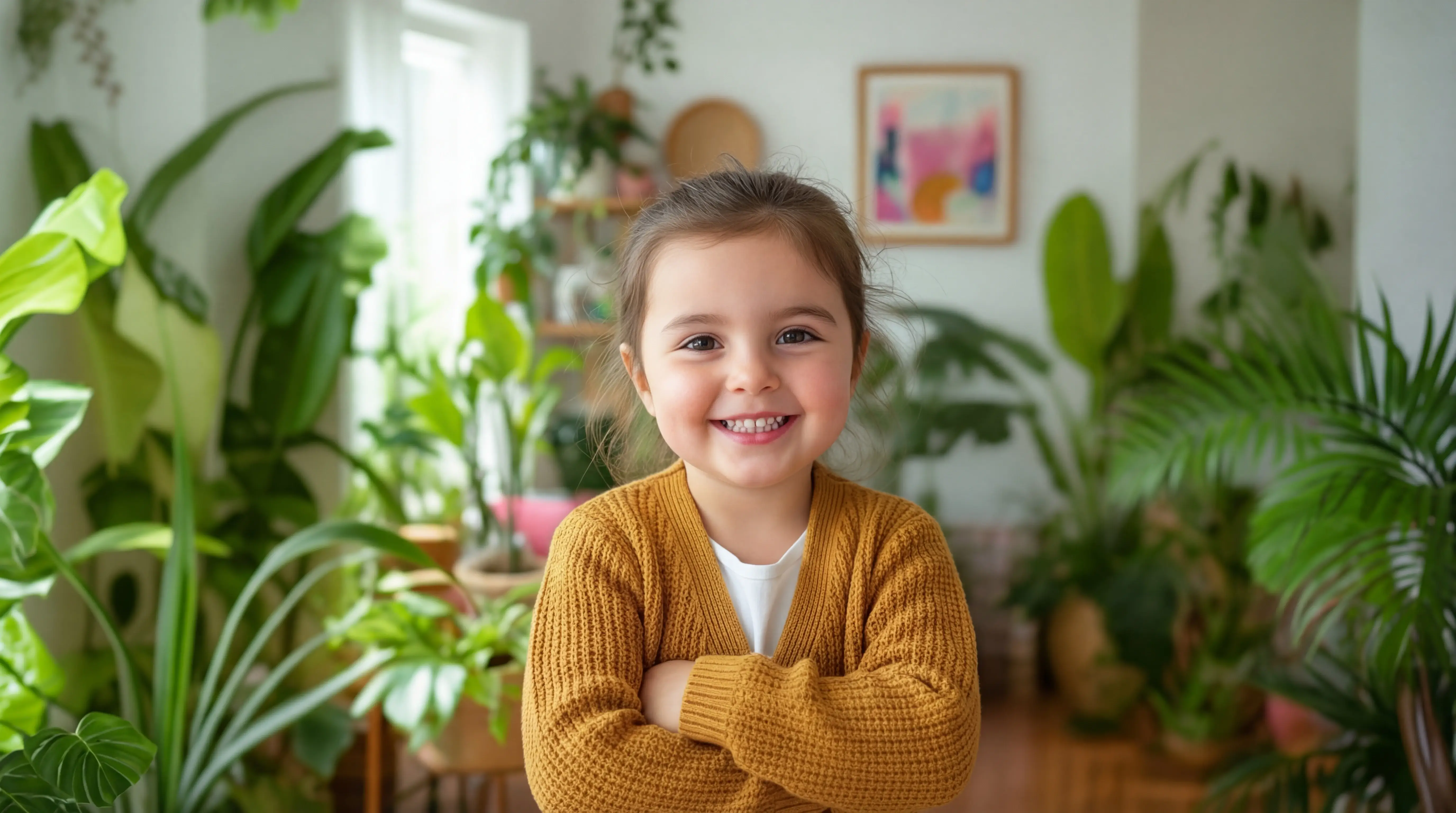
AI Age Filter Tone Drift
Mixed lighting and compression create uneven color shifts. The workflow balances midtones and keeps highlights in range so faces stay believable and clean.
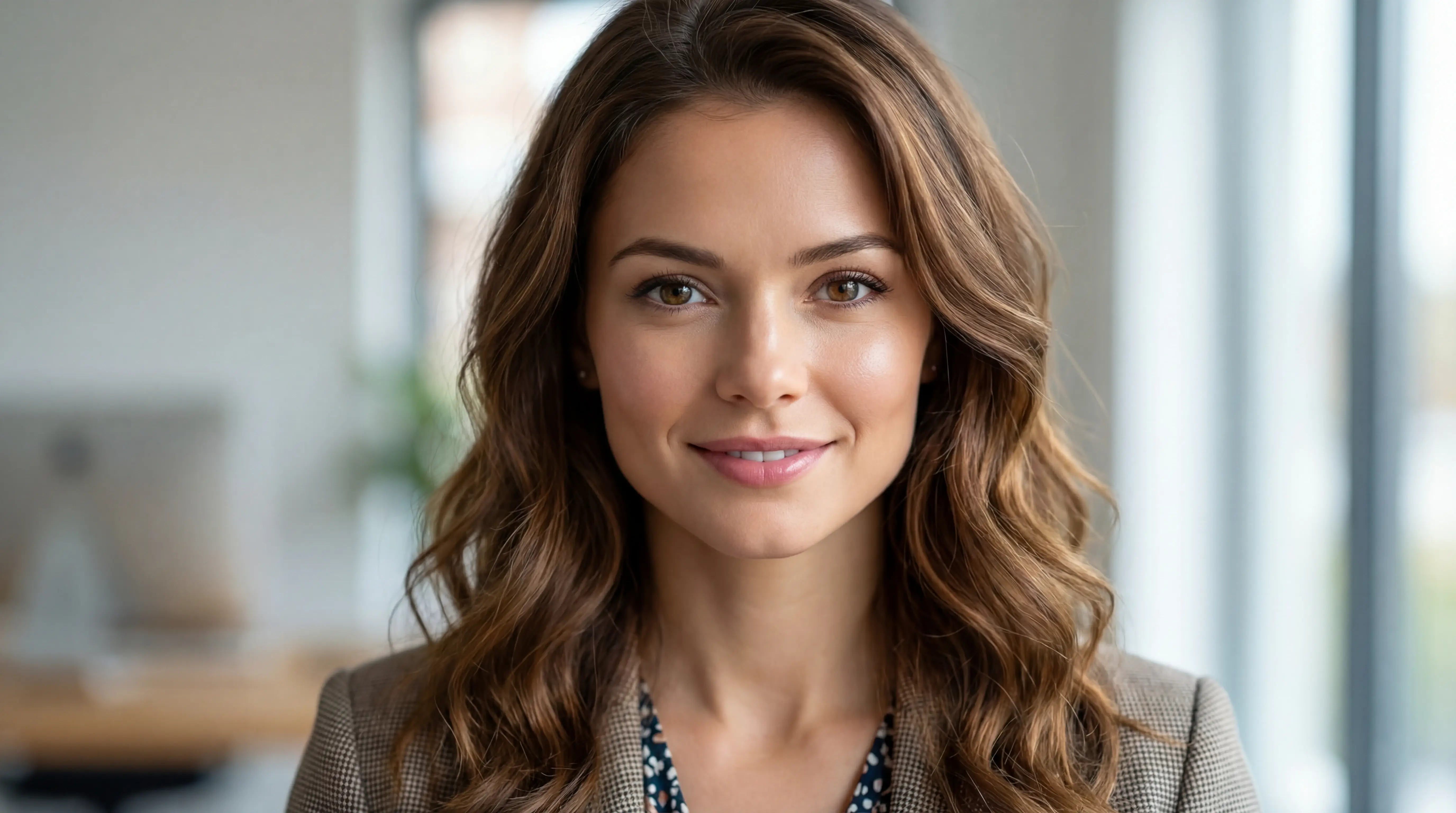
AI Age Filter Identity Loss
Aggressive filters can warp features and change expressions. The system preserves structure and edge detail so the person still looks like themselves.
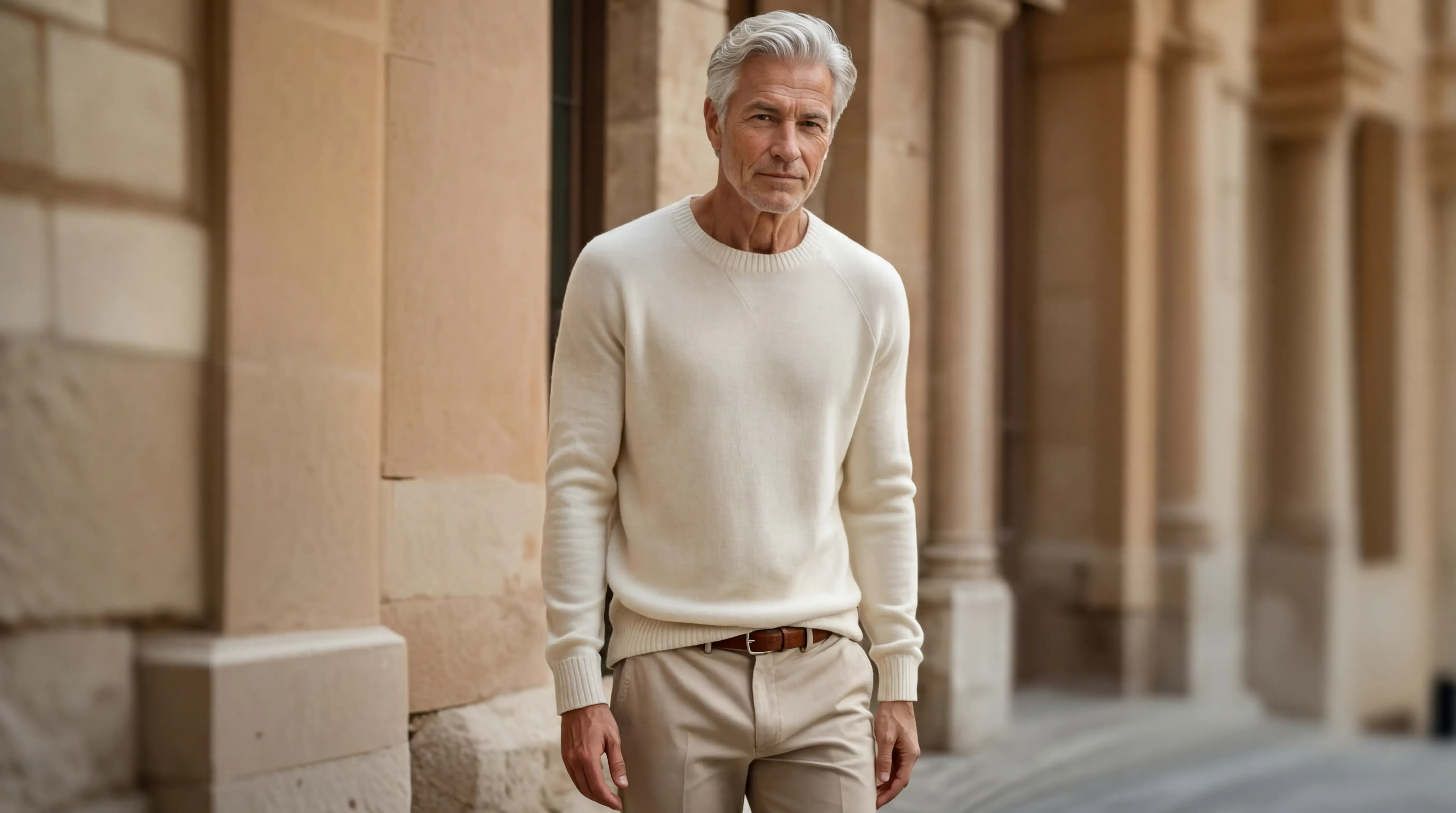
AI Age Filter Over-Smoothing
Heavy smoothing removes pores and hair detail, making skin look plastic. Controlled texture adjustment keeps realism intact across the face.
AI Age Filter Workflow in 3 Steps in 3 steps
A short, repeatable flow for age progression or regression.
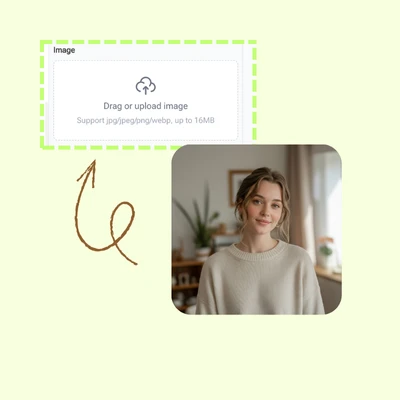
AI Age Filter Upload a Portrait
Upload a clear, front-facing photo so the system can read structure, lighting, and texture before making adjustments.
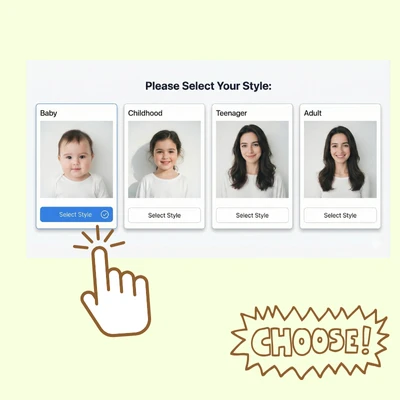
AI Age Filter Choose an Age Style
Select baby, childhood, teenager, adult, middle age, or elderly to guide the transformation and keep the look consistent.
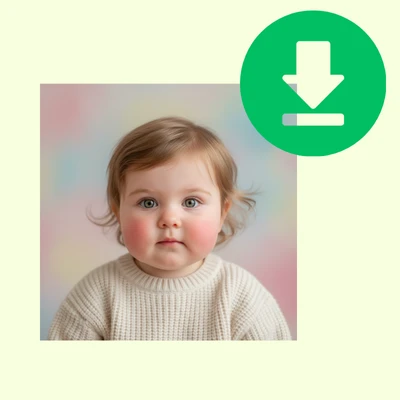
AI Age Filter Download the Result
Download the output and reuse the same style for consistent batches or fast variations.
Start AI Age Filter Now
Upload a portrait and generate a realistic age shift in seconds.
AI Age Filter Reviews From Creators
AI Age Filter feedback on realism, speed, and consistency

“The age shifts stayed believable across a full campaign and saved us hours of manual cleanup.”

“We can keep the same look across multiple ages without worrying about inconsistent skin or lighting.”

“It is fast enough for daily content and still looks natural enough for approval the first time.”
AI Age Filter FAQ
AI Age Filter answers to common questions
Quick guidance on identity, speed, and commercial usage.