
AI Eye Color Changer
Change iris color with natural reflections and realistic depth.
Drag & drop or click to upload
Supports JPG, PNG, WebP • Max 10MB
Secure cloud processing with privacy protection
Free AI Eye Color Changer
Try trending iris colors with natural reflections and realistic depth. Free, secure, and no sign-up.


Emerald Green sample
Ai Eye Color Changer Problems and Causes
Focuses on problems and causes so you can diagnose quickly.
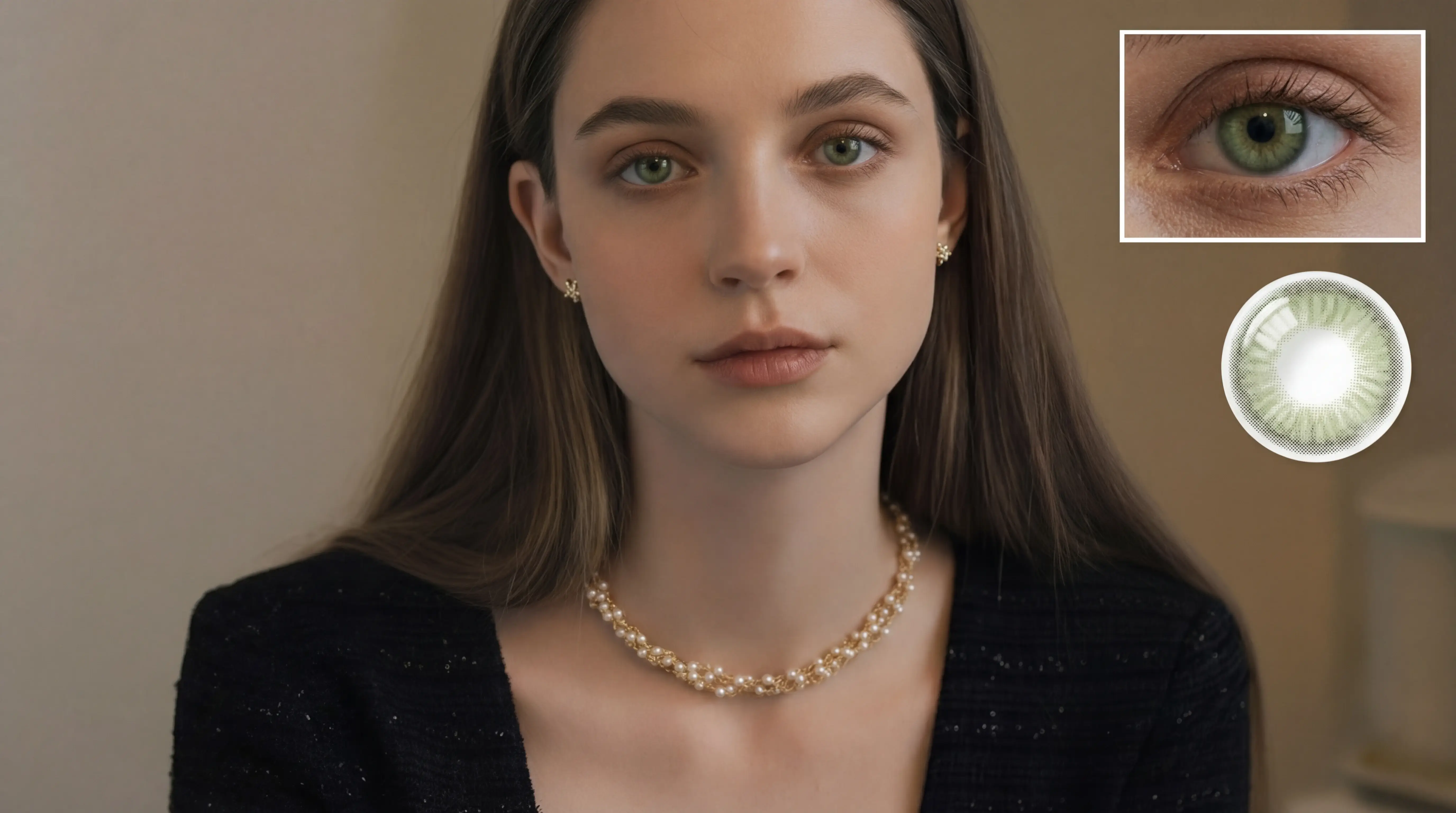
Ai Eye Color Changer Emerald gaze
This scenario highlights uneven tone and texture. The ai eye color changer workflow balances light and color so the output stays clean and consistent, even when the input varies. Extra checks keep highlights controlled and maintain a natural finish, which is critical for close-up portraits.
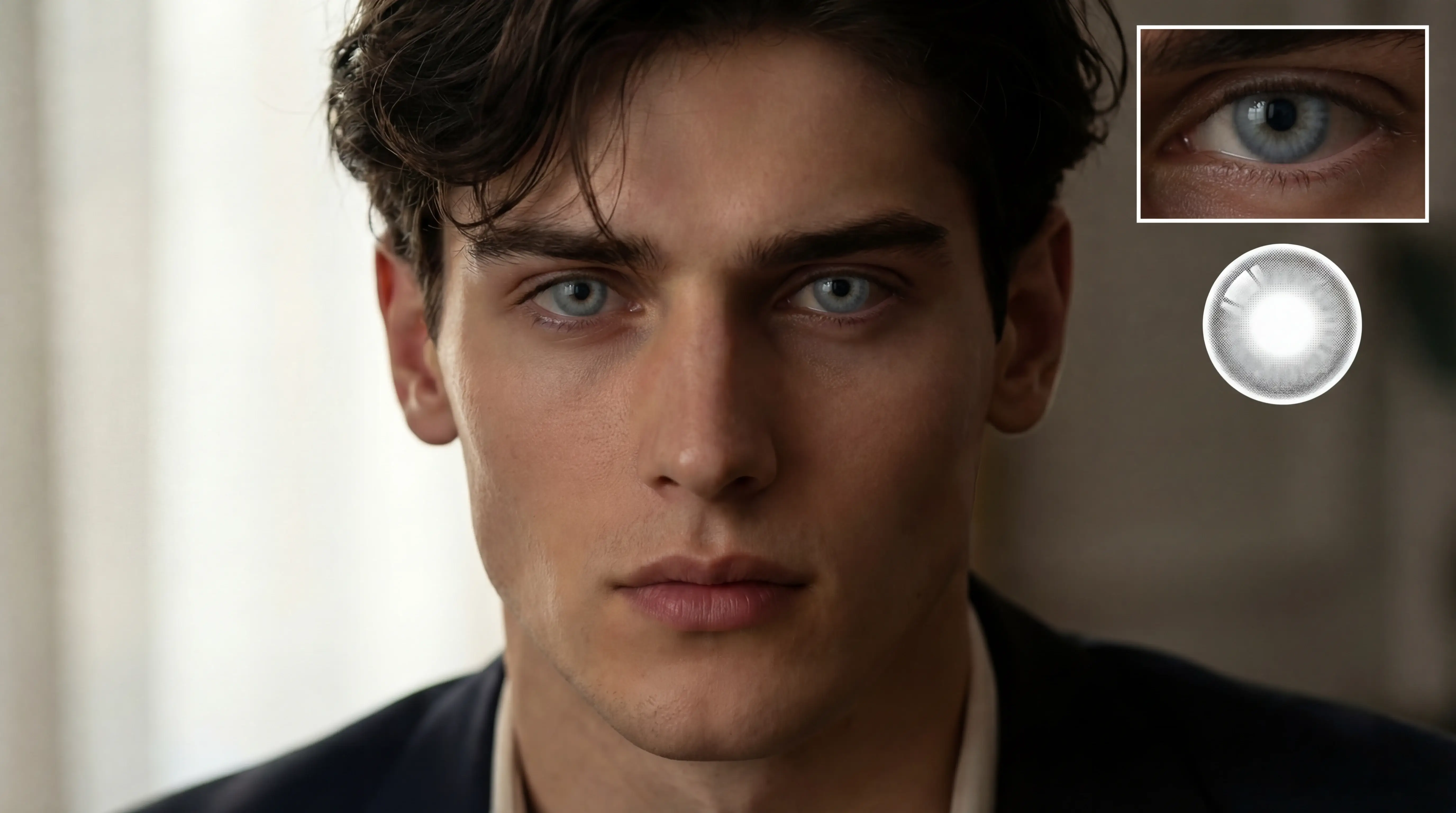
Ai Eye Color Changer Gray elegance
For campaigns and editorial needs, the ai eye color changer flow keeps art direction stable. It preserves contrast and texture while aligning with the selected style, so teams can move faster without losing the intended look. It also keeps skin tone and background balance aligned with brand rules.
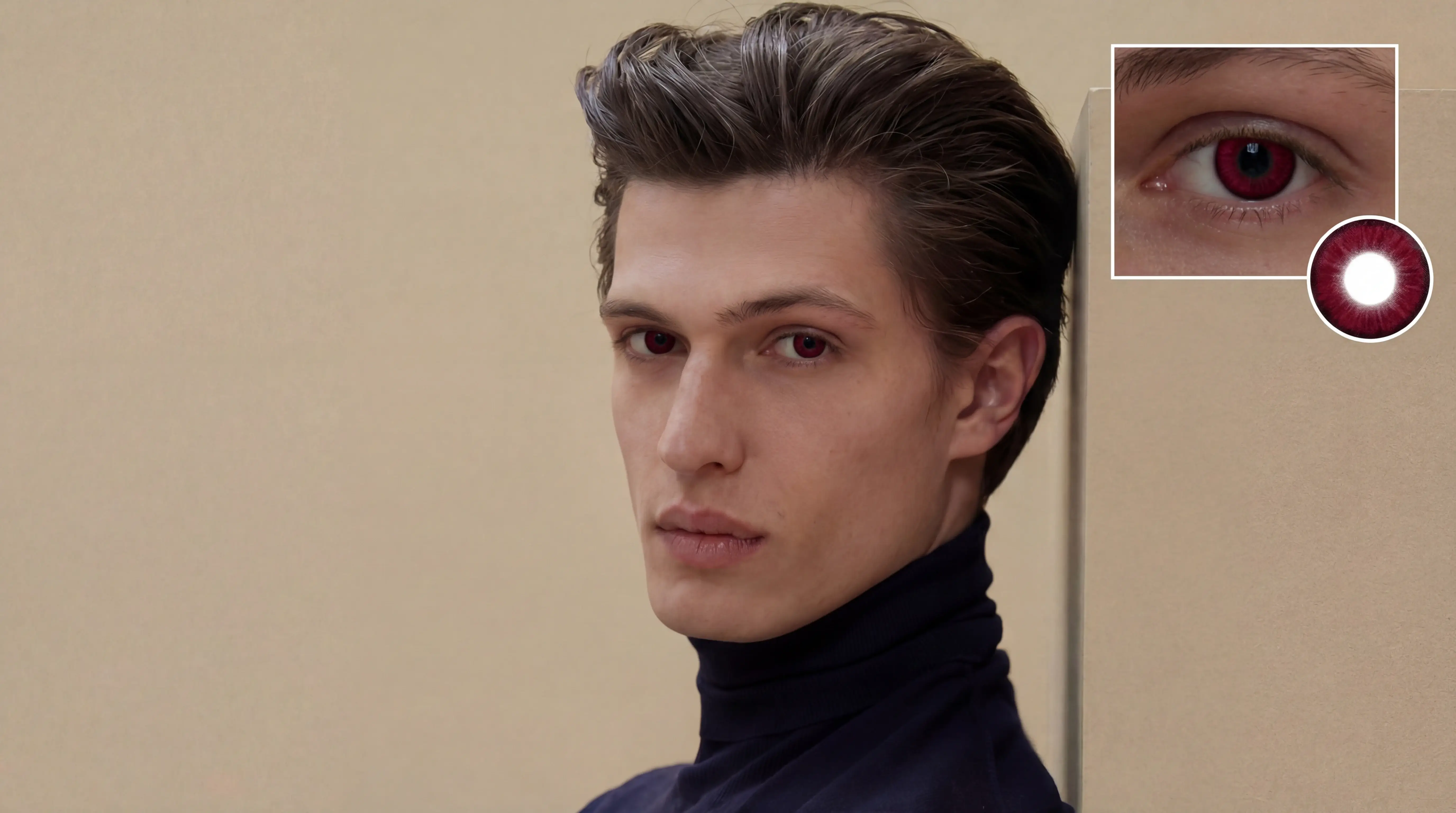
Ai Eye Color Changer Wine drama
Everyday creators need speed without loss of identity. The ai eye color changer option keeps facial structure intact and produces clean, share-ready results that still feel authentic. The result is a reliable baseline that can be tweaked or published immediately.
Ai Eye Color Changer Solution and Benefits natural finish
Ai Eye Color Changer delivers natural iris edits without shifting identity or lighting. Reflections and texture stay intact so the change looks real.
Common failures come from uneven light or low-res inputs that cause color spill. The workflow isolates the iris and preserves edges to avoid haloing.
You get faster, consistent results across batches compared with manual retouching or one-click filters.
Precision detection
Targets the right regions without over-editing.
Texture preservation
Preserves pores, hair, and natural texture.
Fast output
Usually finishes in under 30 seconds.
Ai Eye Color Changer proof
Processed from a real input example.
Ai Eye Color Changer Solution Steps in 3 steps
A simple, repeatable workflow from upload to download.
Upload a photo
Upload a clear portrait so the system can locate the iris and preserve lighting direction.
Choose an eye color
Pick a preset to apply consistent color and natural gradients without altering skin tone.
Download the result
Save the output and reuse the same style for consistent edits across a batch.
Ai Eye Color Changer Benefits and Comparison
Improves speed, quality, and consistency versus manual edits.
Detail preservation
The detail engine preserves pores, edges, and fine texture, avoiding plastic skin or banding artifacts. It keeps contrast natural and avoids harsh sharpening.
Color adaptation
Adaptive color tuning keeps the finish realistic and balanced across different lighting conditions and skin tones. It also reduces color casts that often appear after basic filters, which is why ai eye color changer looks balanced under mixed light.
Speed advantage
Compared with manual retouching, the workflow is faster and easier to scale for teams and growing workloads. This is where the ai eye color changer comparison becomes most obvious.
Ai Eye Color Changer FAQ
Answers common questions.
Start Ai Eye Color Changer Now
Upload your image now to get fast, natural, professional results.