
Image
Upload one portrait to start your AI Photo Grid Maker layout.
Drag or upload image
Support jpg/jpeg/png/webp, up to 10MB
Secure processing with AI Photo Grid Maker privacy protection
Free AI Photo Grid Maker
AI Photo Grid Maker turns one selfie into a studio-style portrait grid with consistent spacing and tone.


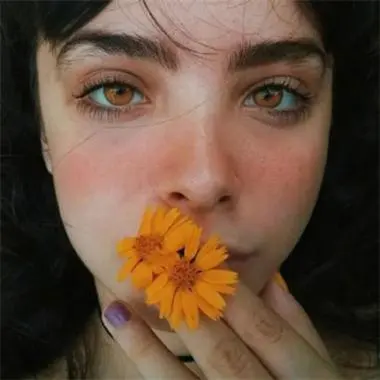
Urban Noi sample
AI Photo Grid Maker - Free Portrait Photo Grids Online
AI Photo Grid Maker transforms a single portrait into a curated grid of studio-style images. The AI Photo Grid Maker workflow balances spacing, crops, and tone so every tile feels cohesive for social posts, portfolios, and albums.
Generate My Photo Grid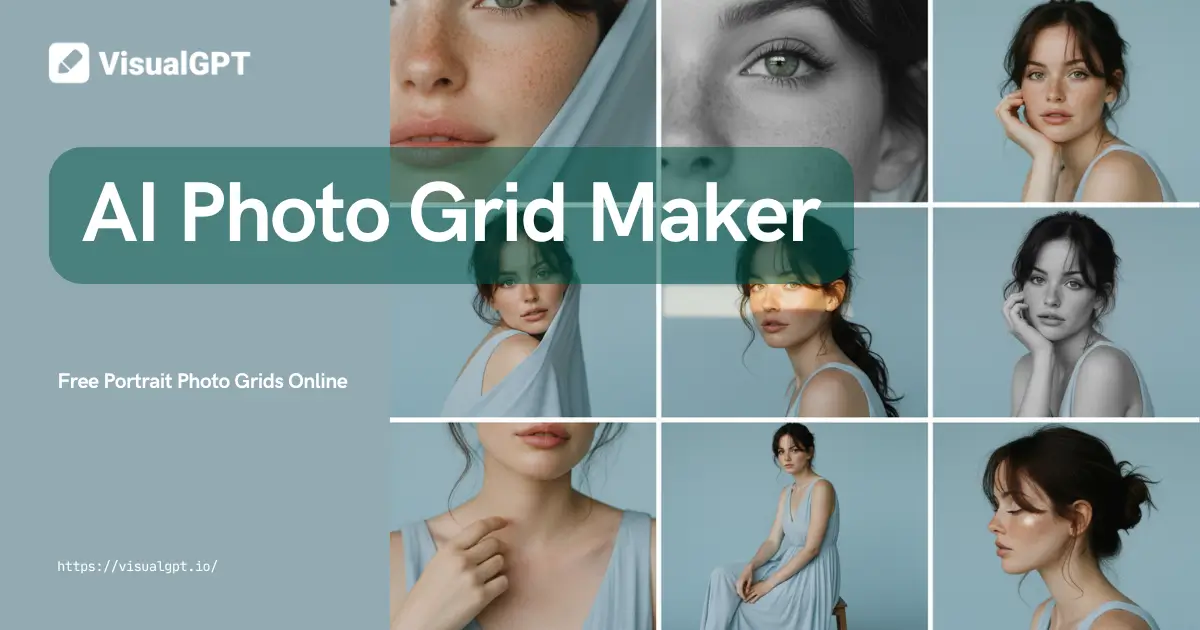
What is AI Photo Grid Maker?
AI Photo Grid Maker transforms a single photo into a set of portraits arranged in a clean grid. Manual grids often suffer from uneven spacing and inconsistent crops, so a unified layout engine keeps the grid cohesive from the start.
The main cause of messy grids is mismatched subject weight and drifting margins. AI Photo Grid Maker aligns edges and preserves key details so the grid stays balanced even when styles change.
Compared with basic collage apps or manual layout work, AI Photo Grid Maker delivers faster results with fewer revisions and a professional series ready for sharing or print.
Consistent spacing
Locks gutters and margins so the grid reads as a single composition.
Balanced crops
Centers the subject and keeps facial details intact across tiles.
Faster workflow
Generates a complete grid in minutes instead of manual layout hours.
Keep layouts clean
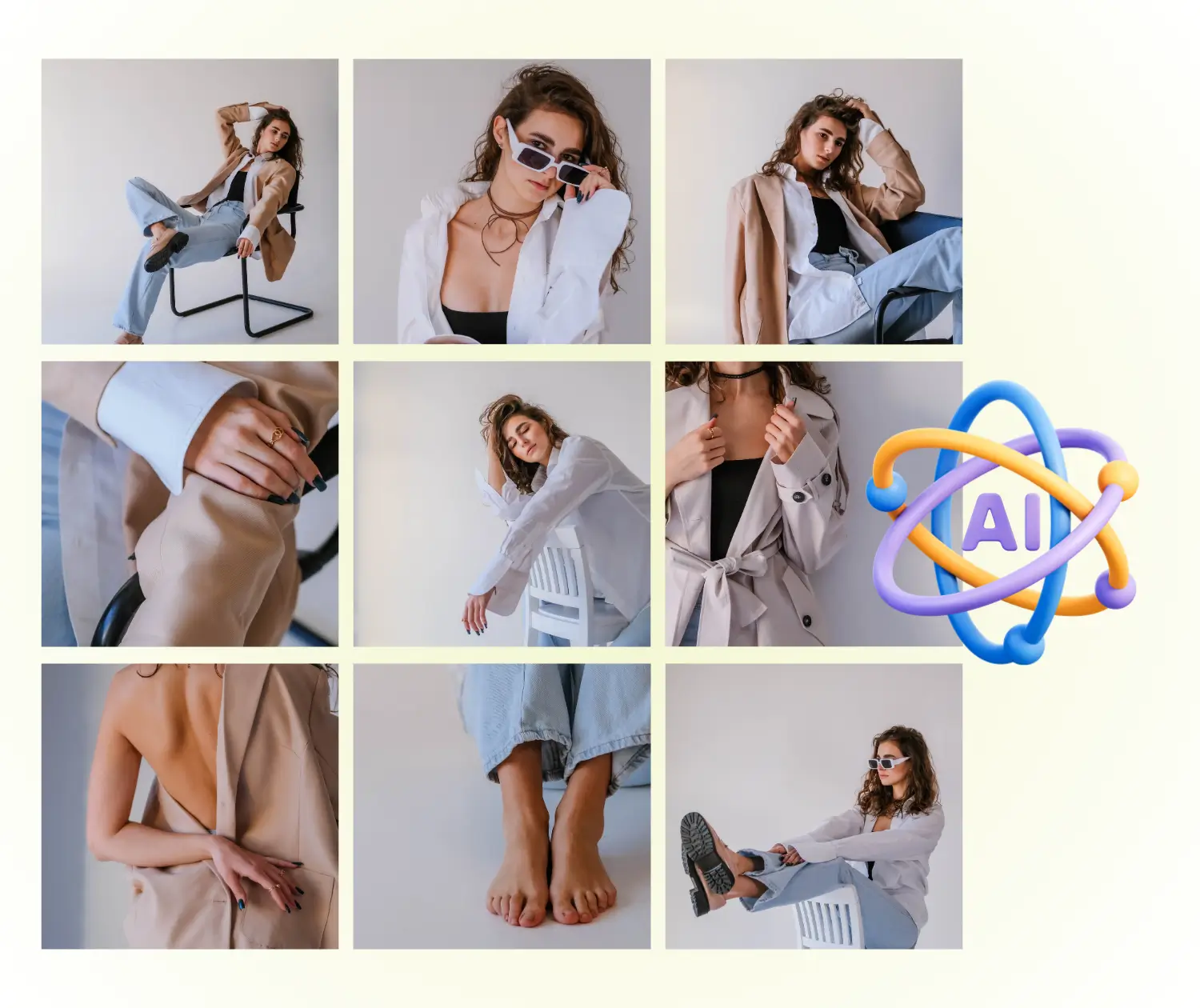
AI Photo Grid Maker grid preview
Balanced spacing and consistent tone across every tile
Why Choose AI Photo Grid Maker?
AI Photo Grid Maker delivers clean grids that feel like a studio series instead of a patchwork collage.
AI Photo Grid Maker multiple styles for one portrait
Generate several looks of the same person while preserving identity and realism across every tile.
AI Photo Grid Maker professional series output
Each grid reads like a cohesive photoshoot, ready for portfolios, campaigns, and profile refreshes.
AI Photo Grid Maker consistent color and composition
The tool matches tone and spacing so the grid stays balanced, even with dramatic style changes.
What Can You Do with AI Photo Grid Maker?
AI Photo Grid Maker helps you build clean portrait grids for the moments and channels that need a consistent, professional look.
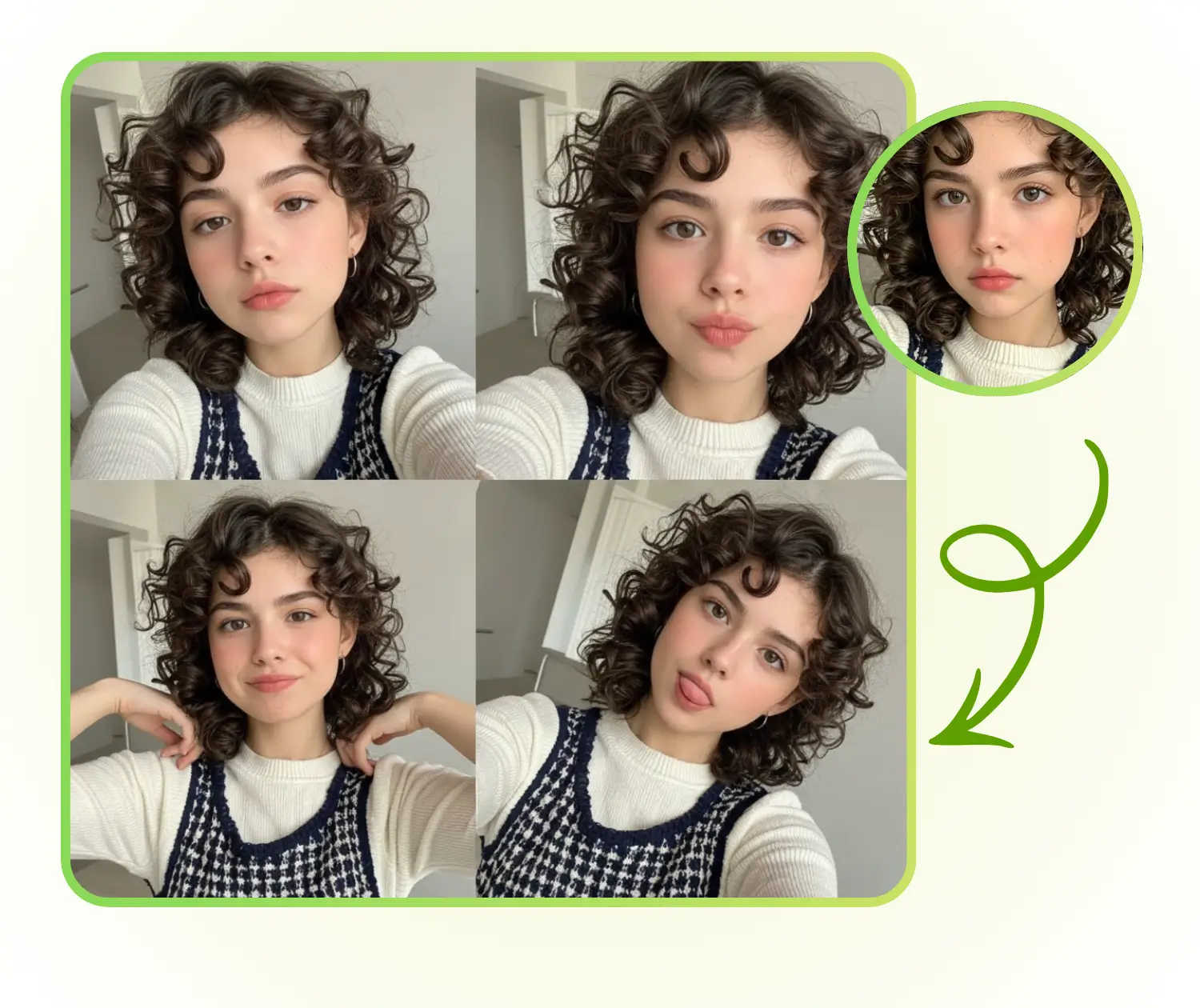
AI Photo Grid Maker for Social Media Profiles
Create coordinated portraits for profile refreshes; consistent crops and lighting keep your feed intentional, and AI Photo Grid Maker keeps the series unified.
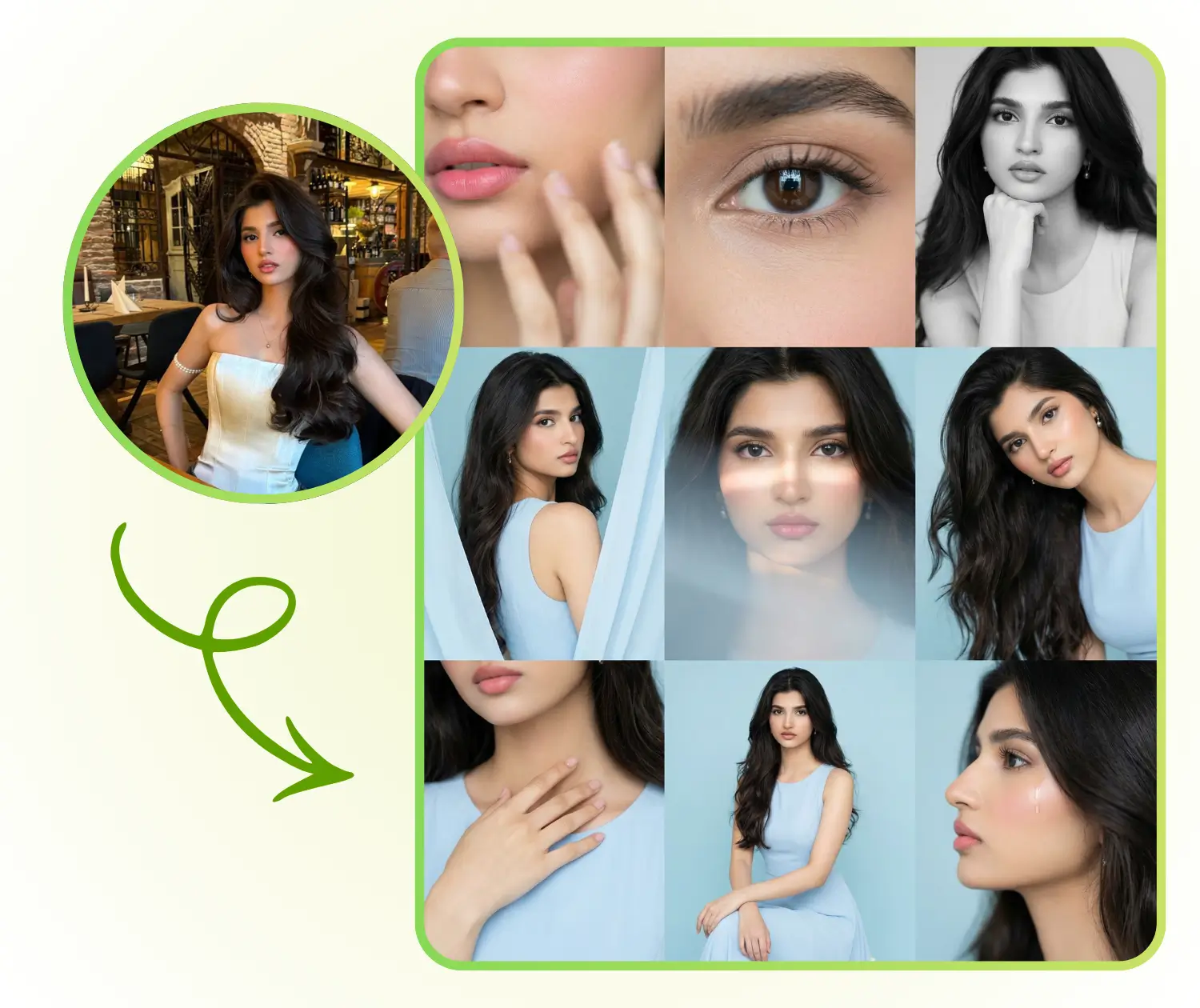
AI Photo Grid Maker for Personal Photo Albums
Turn one portrait into a cohesive series for albums and keepsakes, with balanced spacing and steady crops across rows.
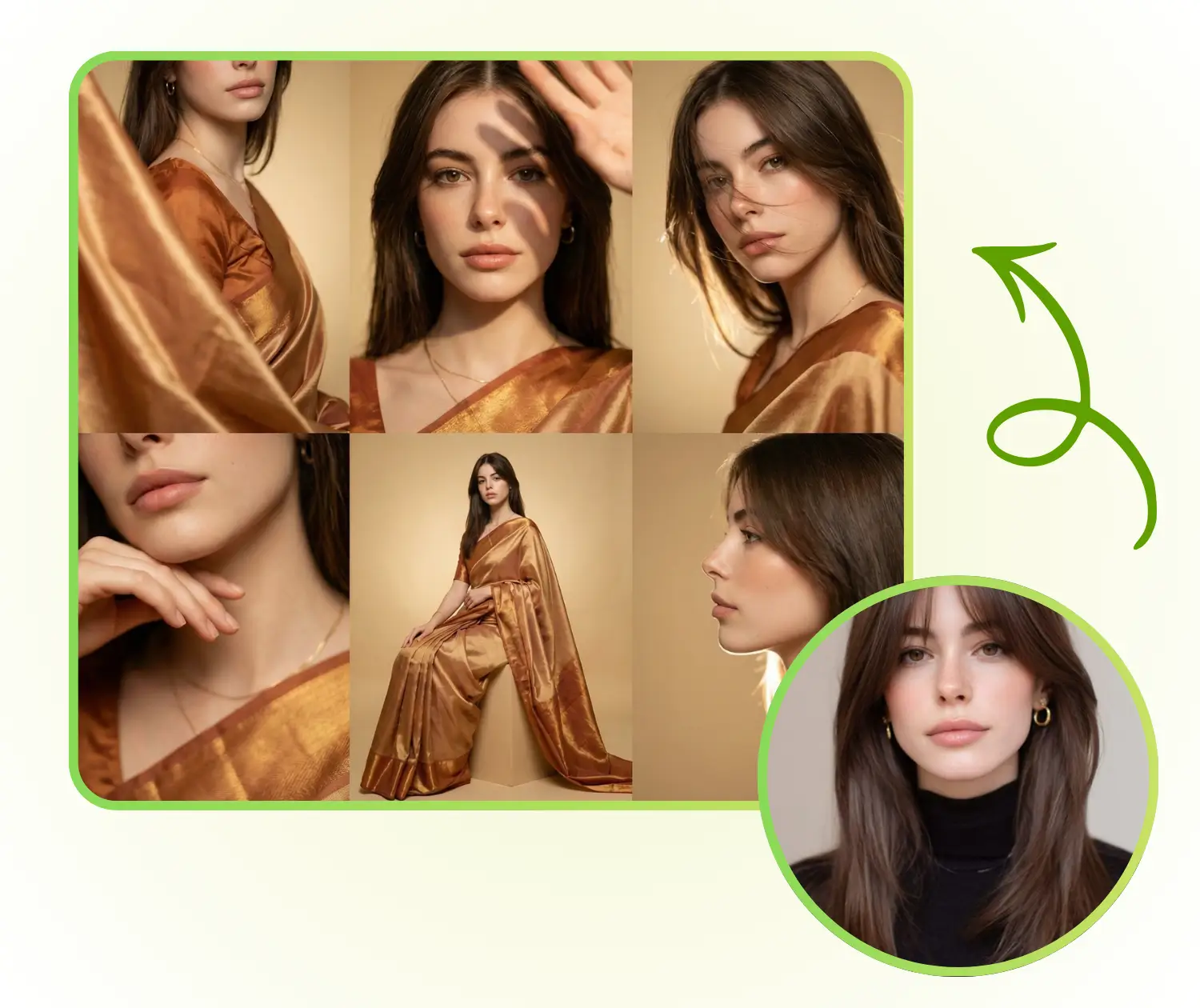
AI Photo Grid Maker for Creative Projects and Portfolios
Showcase one subject in multiple looks while keeping spacing and tone aligned for portfolios and presentations.
How to Use AI Photo Grid Maker
Create a studio-style grid in three quick steps with AI Photo Grid Maker.
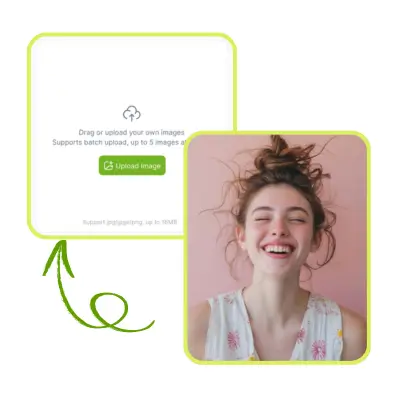
Step 1: Upload your portrait to AI Photo Grid Maker
Start with a clear portrait so facial details stay accurate and the grid looks clean.
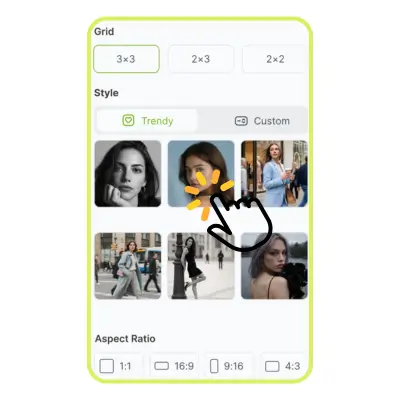
Step 2: Choose style, grid, and ratio in AI Photo Grid Maker
Pick a grid preset, aspect ratio, and mood, and AI Photo Grid Maker adapts lighting and composition to match.
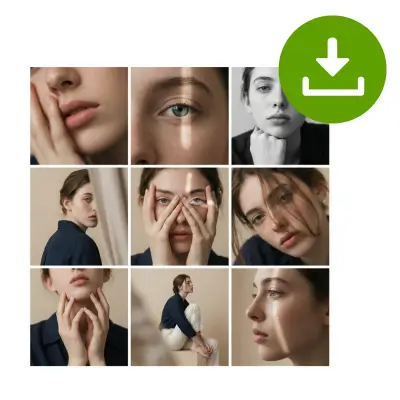
Step 3: Generate and download with AI Photo Grid Maker
Download a high-resolution grid for social posts, portfolios, or print.
Start Creating with AI Photo Grid Maker Today
Upload a portrait and let AI Photo Grid Maker deliver a balanced, studio-ready grid in minutes.
What Users Say About AI Photo Grid Maker
AI Photo Grid Maker feedback from creators and photographers

“Spacing stayed consistent and the lighting shifts looked natural, so posting a series was easy.”
“Composition stays aligned across the grid and I get multiple looks in minutes.”

“The grids are polished and crops feel balanced, so approvals move faster.”

“Updates look intentional instead of random tiles thrown together.”
Frequently Asked Questions About AI Photo Grid Maker
AI Photo Grid Maker answers for grid layout and portrait series questions
Quick answers about AI Photo Grid Maker workflows, output quality, and usage.