
Arraste ou faça upload de imagens (0/1)
Upload em lote
Antes e Depois
Compare os resultados de aprimoramento em diferentes tipos de fotos.

Scenery









Melhorador de Fotos com IA | Upscale 4K Online Grátis
Melhore a qualidade da imagem instantaneamente com IA. Aumente os detalhes, reduza o ruído e aprimore as fotos para HD ou 4K.
Melhorar Foto Agora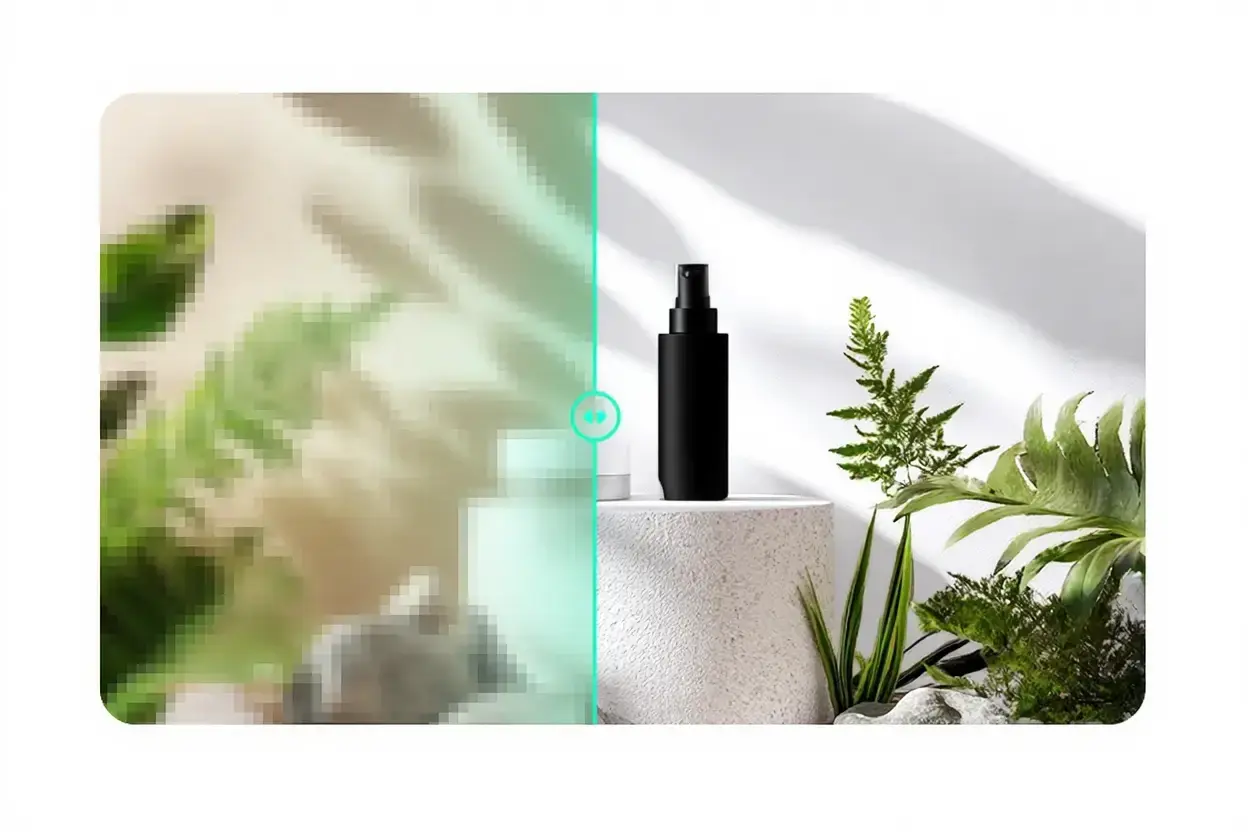
O que é o AI Photo Enhancer?
AI Photo Enhancer melhora automaticamente a clareza e a resolução da imagem. Ele restaura detalhes, torna as bordas mais nítidas e reduz o ruído para um resultado limpo e profissional.
Perfeito para fotos antigas, fotos com pouca luz, imagens de produtos e recursos visuais de mídia social.
Aprimoramento para HD/4K
Aumente a resolução sem artefatos.
Afiar detalhes
Corrija o desfoque e o foco suave automaticamente.
Redução de ruído
Limpe fotos granuladas com pouca luz.
Saída instantânea
Baixe sua foto aprimorada em segundos.
Por que usar nosso Melhorador de Fotos com IA
Melhorias de qualidade rápidas e confiáveis com um clique.
Imagem aprimorada para 4K
Aumente a resolução para telas grandes e impressões.
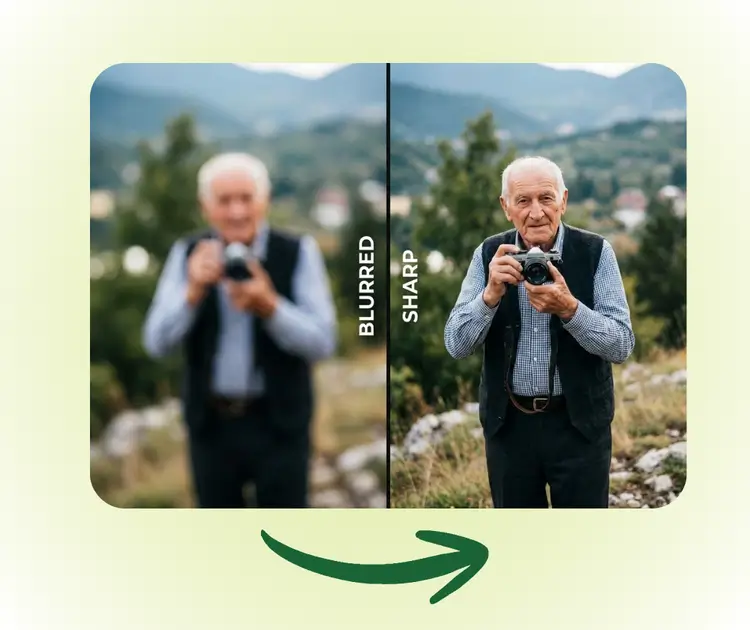
Desfocar e tornar mais nítido
Restaure bordas nítidas e detalhes finos.
Redução Automática de Ruído
Remova os grãos preservando a textura.
Faça com que cada foto pareça nítida e de alta resolução
Corrija desfoque, ruído e poucos detalhes em segundos para imagens de conteúdo, produtos e memórias.
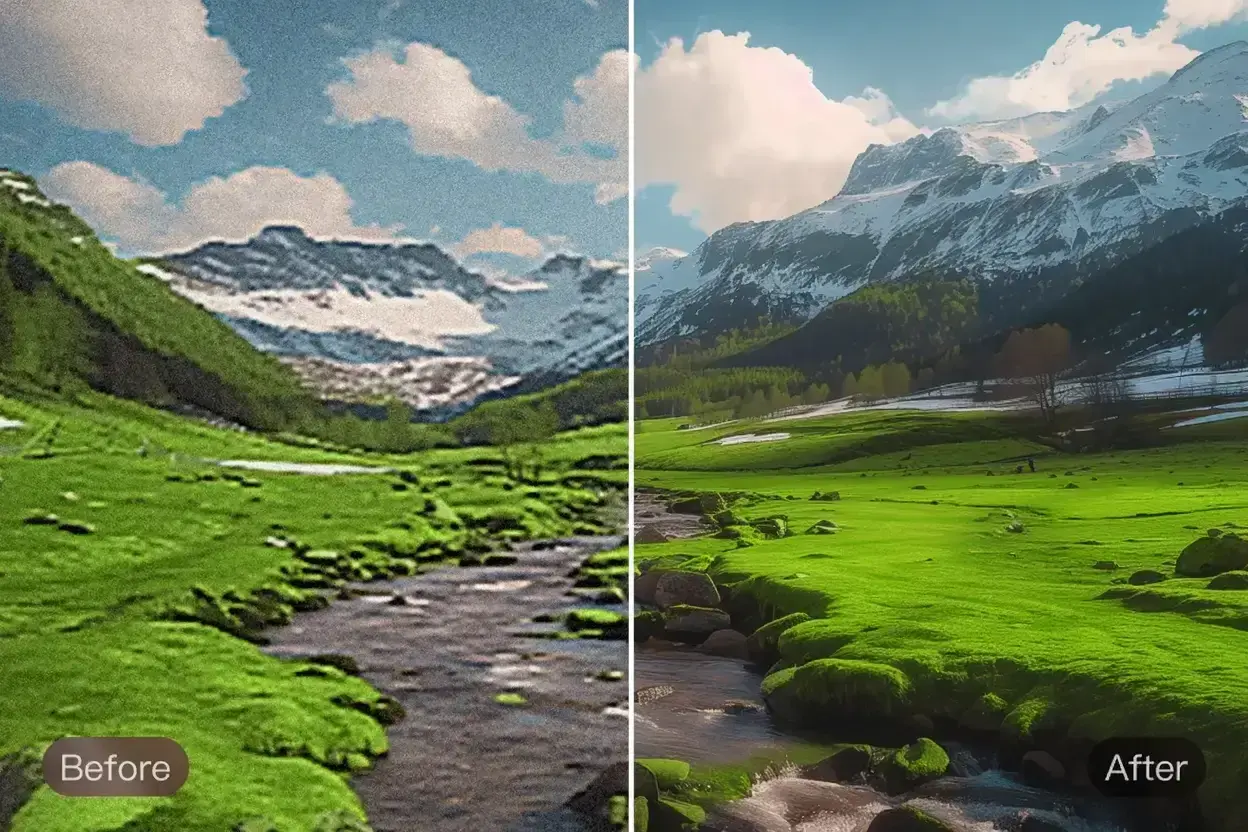
Restaurar fotos antigas ou de baixa resolução
Recupere detalhes de fotos de família e arquive imagens sem retoque manual.
Aumente a nitidez de imagens desfocadas
Melhore o foco e os detalhes de imagens de conteúdo, documentos e postagens sociais.
Limpar produtos e imagens com pouca luz
Reduza o ruído e aumente a clareza para que as listagens e os recursos visuais de marketing tenham uma aparência profissional.
Como melhorar a qualidade da foto em 3 etapas simples
Carregue, aprimore e baixe em minutos.
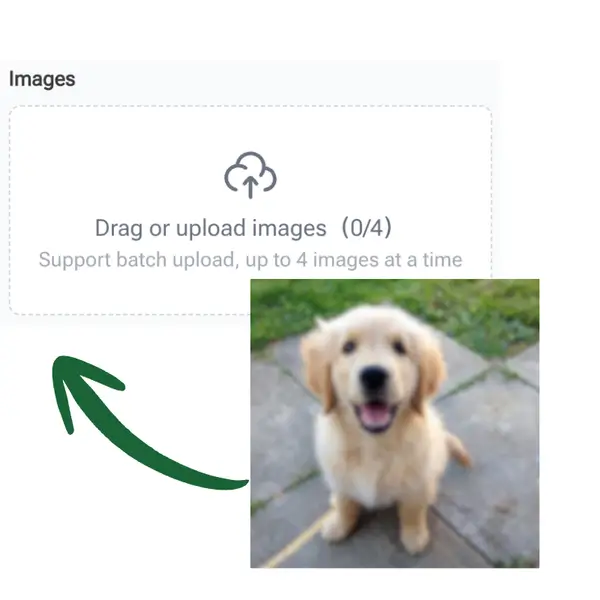
Envie sua imagem
Arraste e solte sua foto na ferramenta.
IA aprimora automaticamente
A IA fica mais nítida e aprimorada em segundos.
Visualizar e baixar
Compare antes/depois e baixe instantaneamente.
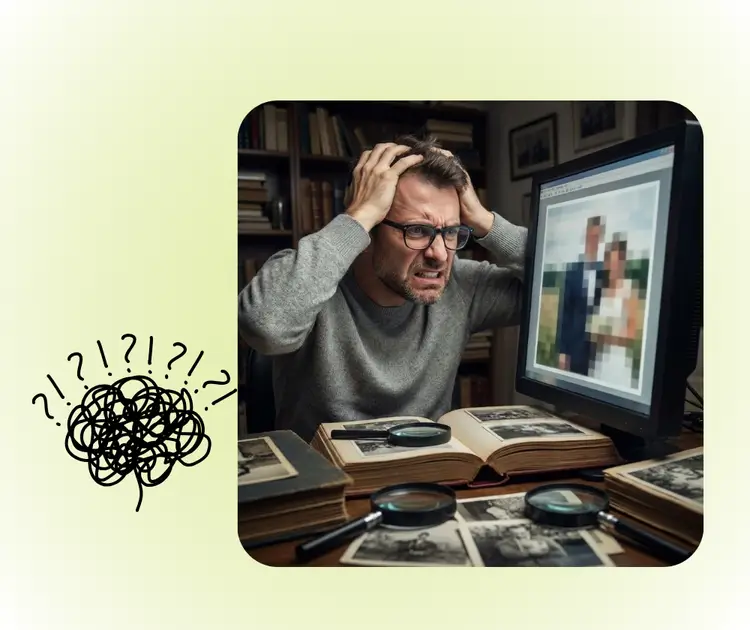
Lutando com fotos desfocadas?
Não exclua fotos borradas. Melhore-os instantaneamente com AI Photo Enhancer.
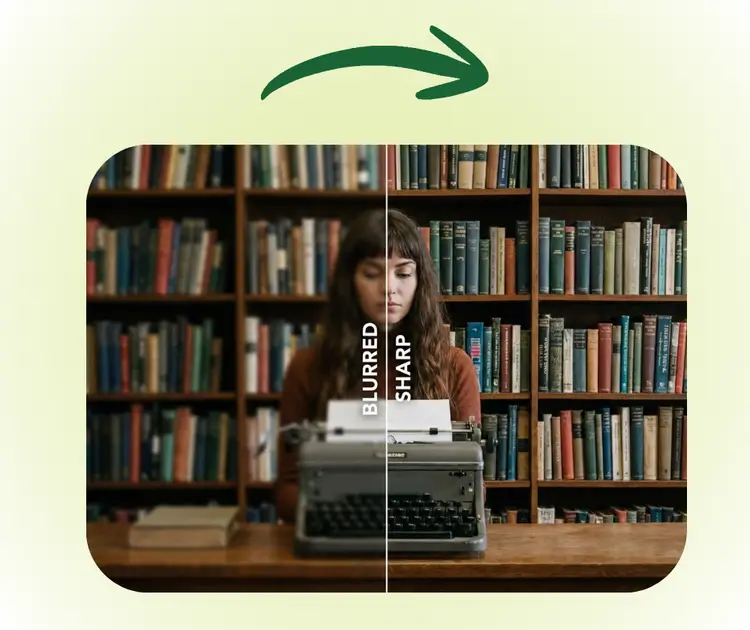
Resultados limpos e nítidos em segundos
Aprimore e aprimore com um único clique, sem necessidade de habilidades de edição.
Ferramentas relacionadas de correção e layout de fotos
Aprimore, desfoque e organize suas fotos.


Melhore suas fotos em segundos
Faça upload de uma foto, escolha um nível sofisticado e baixe sua imagem aprimorada.
O que os usuários dizem sobre o AI Photo Enhancer

“Restaurou fotos antigas com detalhes mais nítidos e menos ruído.”
“As fotos dos produtos parecem mais limpas e profissionais.”
“Fotos desfocadas com pouca luz parecem nítidas agora.”
“Os ativos aprimorados são claros o suficiente para uso em impressão.”
“As fotos da lista parecem mais polidas e nítidas.”
“Os detalhes e texturas são visivelmente melhorados.”