

Edições de imagens rápidas e precisas
Funciona melhor com instruções claras e diretas.
Free Editor de Imagens IA
Edite imagens instantaneamente com IA, preservando detalhes, iluminação e estrutura. Gratuito, seguro e sem inscrição.


Editor de Imagens IA Sample: Mudar cor do bordas finas




Free Editor de Imagens IA - Edit Imagens Online, No Sign-Up
Edite fotos online em segundos. Faça upload de uma imagem, descreva a alteração, visualize o resultado e baixe gratuitamente uma saída limpa e realista.
Começar Editor de Imagens IA Free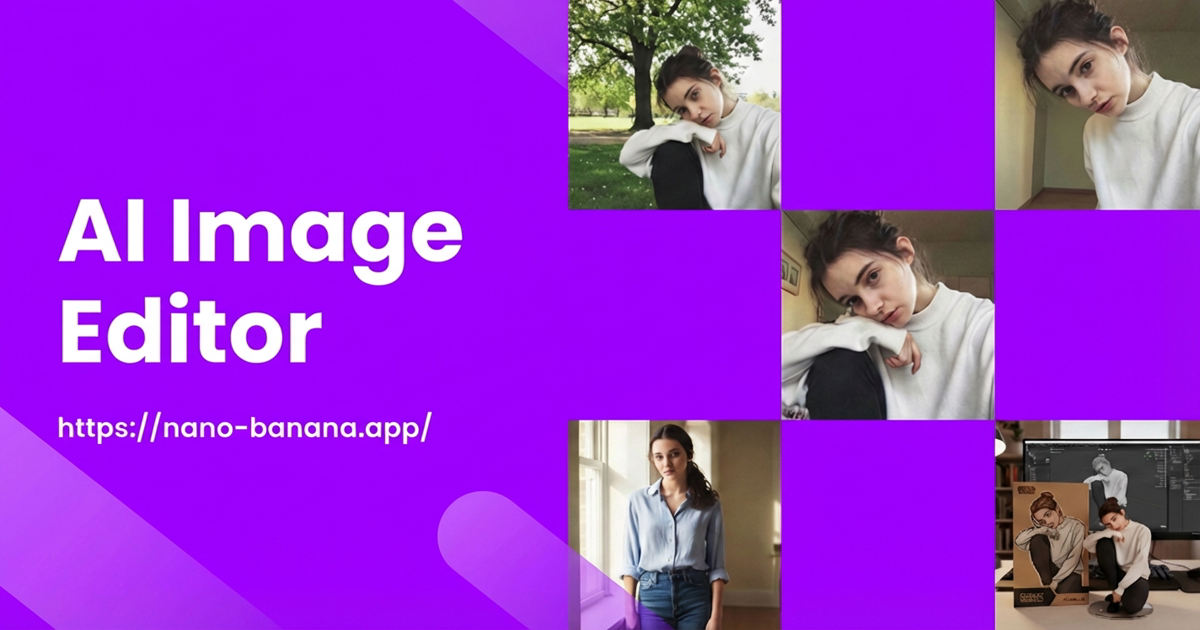
What is Editor de Imagens IA?
Editor de Imagens IA is a browser-based editor that applies precise changes from text prompts. Upload a photo, explain the edit, and the tool generates a new version while preserving composition, lighting, and texture.
Em vez de camadas e longos tutoriais, você se concentra no resultado. Descreva a mudança em linguagem simples e receba uma edição natural em segundos, com opção de refinar e regenerar.
Para criadores e equipes, o fluxo de trabalho permanece leve, mantendo o controle. Você pode combinar o estilo da marca, manter cores consistentes e iterar rapidamente sem alternar entre aplicativos.
Editor de Imagens IA Keeps Composition and Details
As edições mantêm as texturas e bordas naturais sem processamento excessivo.
Editor de Imagens IA Handles Many Edit Types
Remova objetos, altere cores, substitua objetos ou ajuste planos de fundo em um único prompt.
Editor de Imagens IA Speeds Up Production
Reduza as etapas manuais e entregue mais imagens em menos tempo.
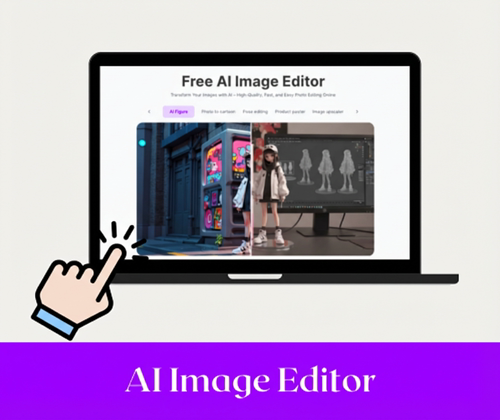
Editor de Imagens IA overview
Simple prompts, realistic results.
Why Editor de Imagens IA is Recommended?
Comparado aos editores tradicionais, é mais rápido, acessível e flexível o suficiente para conteúdo diário, campanhas e imagens de produtos.
Editor de Imagens IA Is Faster Than Traditional Editors
Transforme fluxos de trabalho de várias etapas em um único prompt e receba resultados em segundos. Ótimo para iterações rápidas quando o tempo é limitado.
Editor de Imagens IA Is Easier Than Complex Design Suites
Não são necessárias camadas ou pincéis; basta descrever a mudança e visualizar instantaneamente. Isso mantém a edição acessível para novos usuários.
Editor de Imagens IA Is Free, Flexible, and Export-Ready
Baixar common formats quickly for social, marketing, or print use. Files are ready for sharing without extra conversion.
Struggling with Image Editing? Editor de Imagens IA Handles It
A edição pode ser lenta, cara e repleta de ferramentas complexas. Prompts curtos e visualizações rápidas eliminam as etapas manuais para que você possa se concentrar nas ideias e não no trabalho árduo.
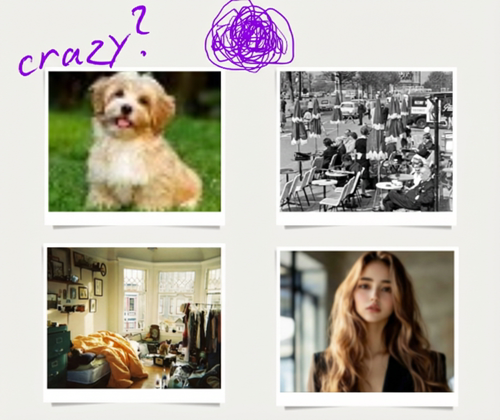
Editor de Imagens IA Fixes Slow Manual Retouching
Um prompt substitui o longo trabalho de mascaramento e pincel, mantendo as edições consistentes e rápidas. Isso é ideal para soluções rápidas, visualizações de clientes e variações repetidas.
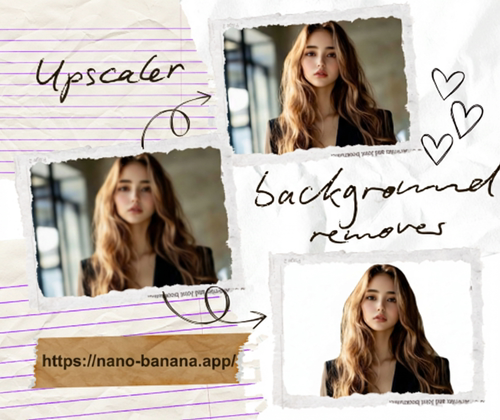
Editor de Imagens IA Removes Complexity from Pro Software
Pule camadas e plug-ins descrevendo a alteração e permitindo que a edição seja renderizada automaticamente. Você ainda obtém controle por meio de instruções claras, sem curva de aprendizado.
Editor de Imagens IA Gives One-Page Editing from Começar to Finish
Carregue, solicite, visualize e baixe em um só lugar para manter a produção em andamento. Menos guias e menos exportações significam menos atrito.
How to Use Editor de Imagens IA?
Três etapas simples mantêm o fluxo claro: fazer upload, descrever e fazer download. Cada etapa é projetada para velocidade sem perder qualidade.
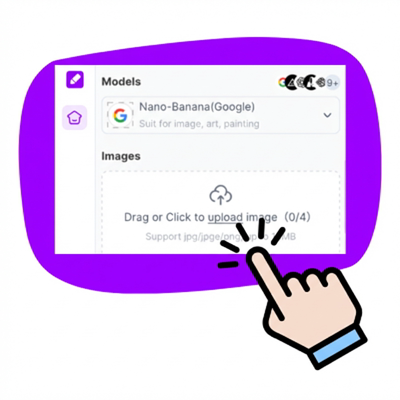
Editor de Imagens IA Step 1: Upload Your Photo
Carregue JPG, PNG ou WebP e prepare-se para editar. Imagens nítidas e bem iluminadas geralmente oferecem o melhor resultado.
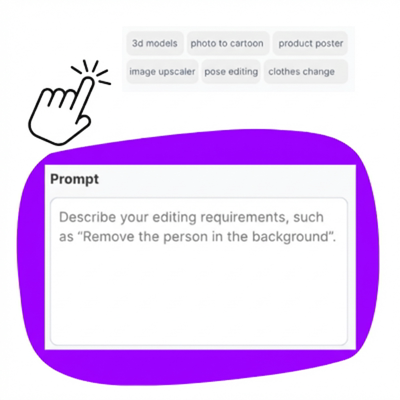
Editor de Imagens IA Step 2: Describe the Edit
Digite uma solicitação curta, como substituir plano de fundo ou alterar a cor do produto. Adicione detalhes sobre estilo, tom ou humor para orientar o resultado.
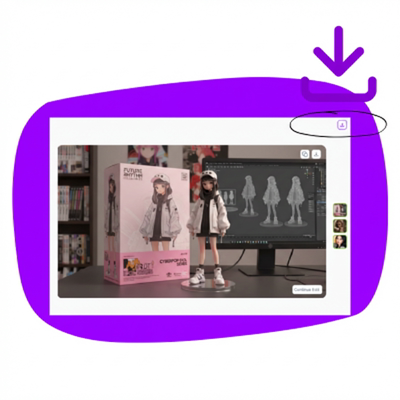
Editor de Imagens IA Step 3: Preview and Baixar
Revise, refine se necessário e baixe a imagem final. Gere novamente até que a edição corresponda à sua ideia.
Começar Editing with Editor de Imagens IA Online
Faça upload de uma foto, descreva a alteração e obtenha um resultado limpo em segundos. Experimente gratuitamente e repita até que a edição se adapte à sua ideia.
What Users Say About Editor de Imagens IA
“Simples de usar e proporciona um resultado limpo em minutos. Acabei de descrever a edição e o download.”
“Posso trocar planos de fundo e manter as fotos dos produtos consistentes sem software extra.”
“Rápido o suficiente para postagens sociais diárias e flexível o suficiente para testar diferentes solicitações.”
“Ótimo para visualizações rápidas quando os clientes desejam looks alternativos sem um retoque completo.”
FAQs About Editor de Imagens IA
Answers to common Editor de Imagens IA questions about workflow, safety, and results.