
Create Studio-Perfect Backgrounds in Seconds
Upload any photo, remove the background instantly, and export a clean subject with transparent, white, or blurred backdrops. Ideal for e-commerce, content images, and design projects.
Hintergrund vom Bild entfernen
Upload a photo to isolate the subject with professional-quality results
Zum Hochladen per Drag & Drop oder Klicken
Supports JPG, PNG, WebP • Max file size 10MB
Images are processed securely and never stored
Sehen Sie sich Ihren Upload sofort in der Vorschau an, bevor Sie Hintergründe erstellen.
Perfect for Every Background Removal</highlight> Workflow
AI Image Editor background remover delivers clean, production-ready outputs across creative, commercial, and objetol use cases.
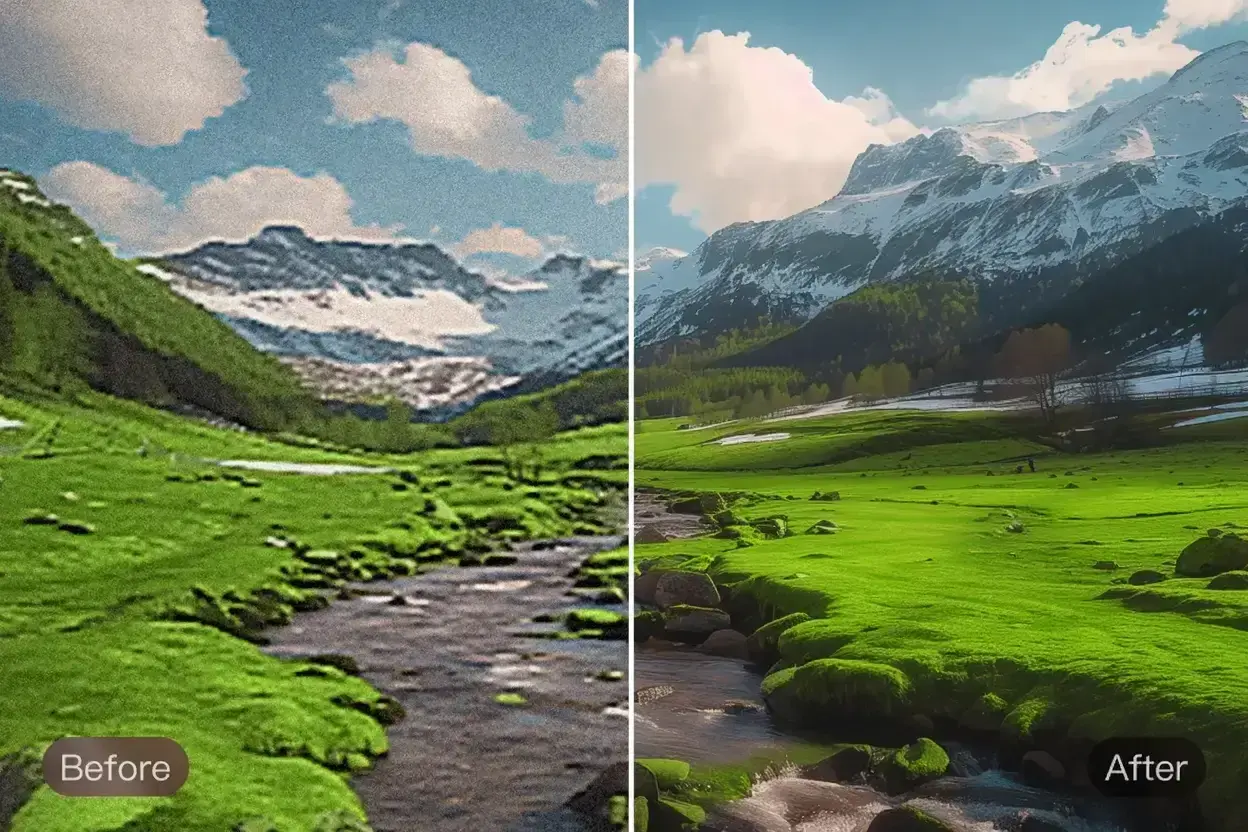
E-Commerce-Produktfotos
Entfernen Sie störende Hintergründe und exportieren Sie transparente PNGs für Marktplätze wie Amazon, Etsy und Shopify.
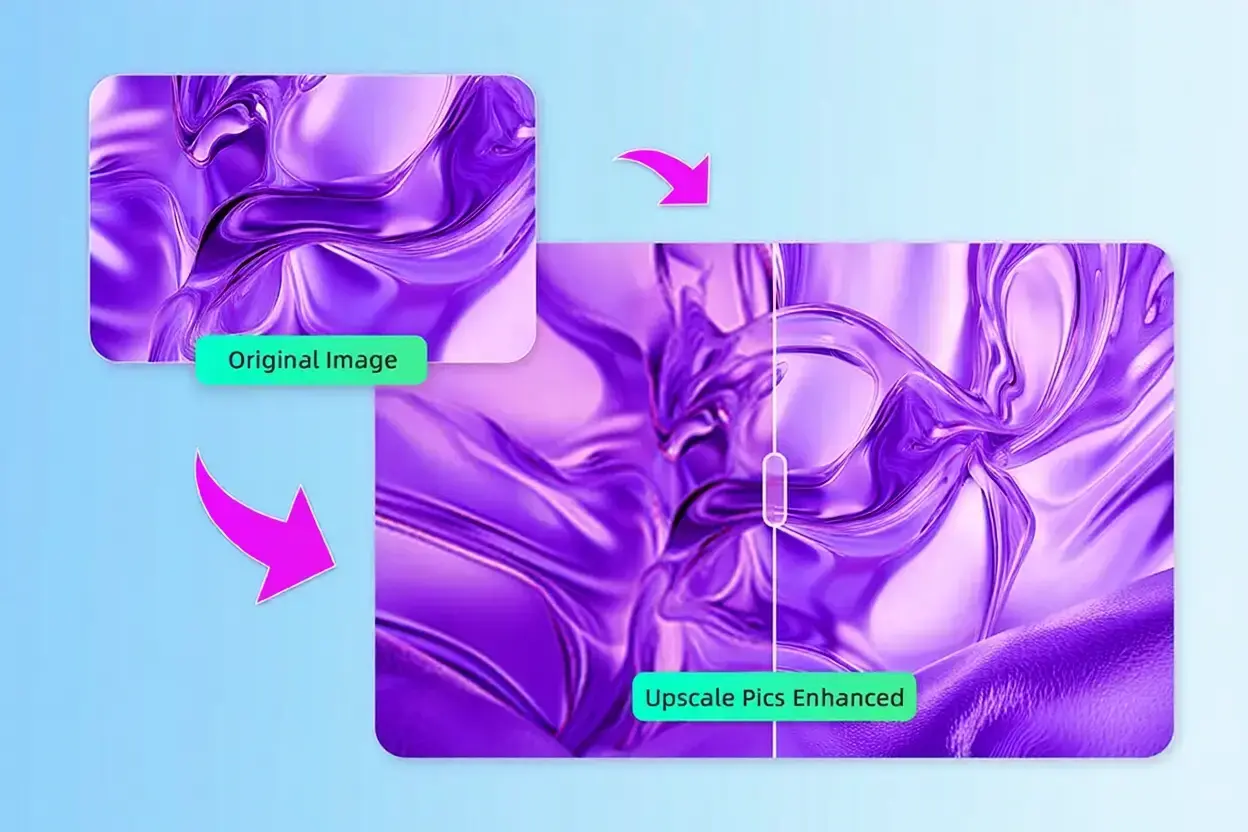
Kreatives Design und Marketing
Erstellen Sie zusammengesetzte Grafiken, Hero-Banner und Marketing-Assets ohne manuelles Maskieren oder Ausschneiden.
Objekt- und Produktbereinigung
Saubere Produktaufnahmen, Abzeichen und Inhaltsbilder mit konsistenten Hintergründen im Studio-Stil.
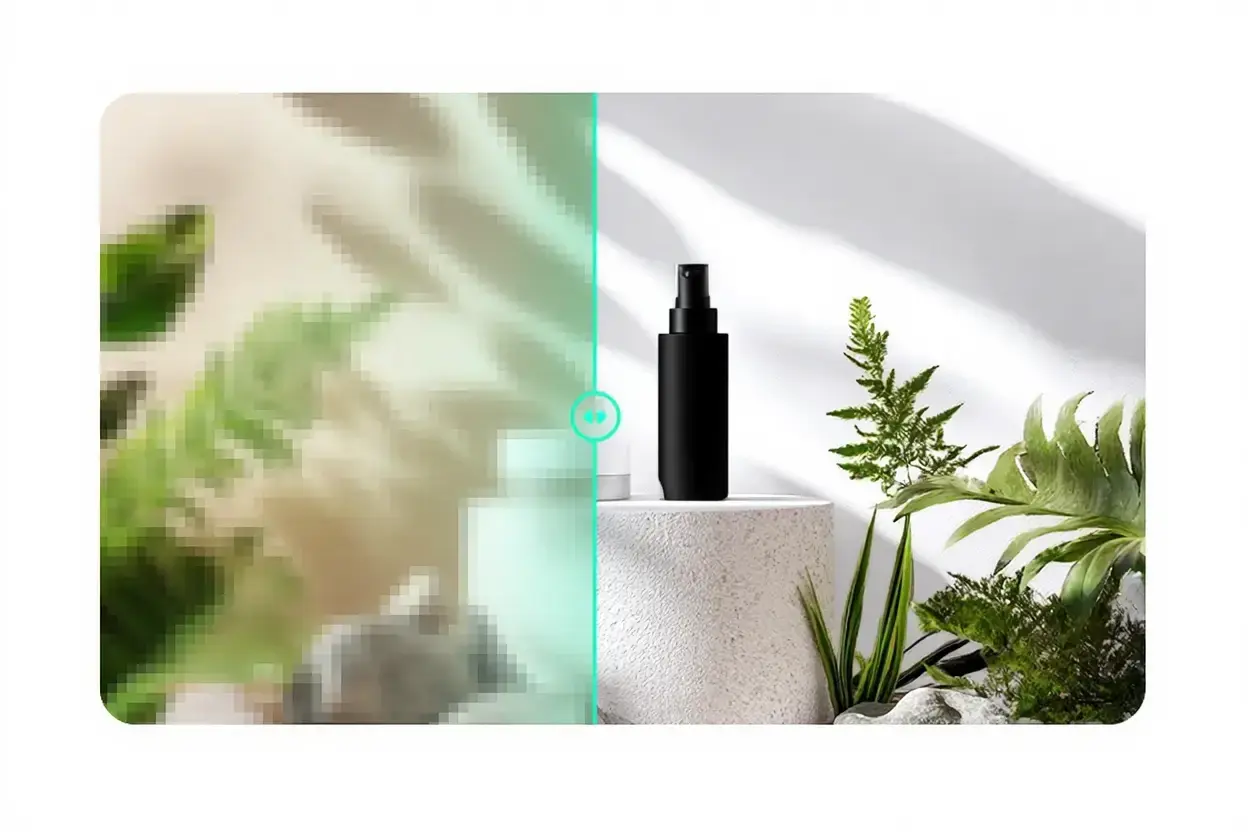
Erstellung sozialer Medien und Inhalte
Erstellen Sie fesselnde Miniaturansichten und Videos, indem Sie Motive für benutzerdefinierte Hintergründe und Überlagerungen isolieren.
Wie die AI Image Editor Hintergrundentferner funktioniert
Our background remover analyzes every pixel using Google's Gemini vision model to understand where foreground subjects end and backgrounds begin. This intelligence powers precise cutouts without halos, artifacts, or loss of detail.
Unlike manual masking tools, AI Image Editor automatically refines fine edges and semi-transparent regions. Choose from transparent, white, or softly blurred backdrops to match your creative workflow.
Semantische Segmentierung
Versteht Objekte, Produkte und komplexe Objekte für eine genaue Isolierung.
Kantenverfeinerung
Bewahrt feine Details wie feine Kanten, Fell und transparente Materialien.
Echtzeitverarbeitung
Liefert produktionsbereite Ergebnisse in weniger als 15 Sekunden.
Konsistente Ausgabe
Erzeugt einheitliche Ergebnisse über große Produktkataloge hinweg.
Perfekt für:
Pixel-Perfect Cutouts
Transparent PNGs ready for any workflow
Hintergründe entfernen in 4 einfache Schritte
Get clean, studio-quality cutouts without manual editing.
Bild hochladen
Drag & drop or select any product photo, content image, or creative image.
Wählen Sie Ausgabestil
Wählen Sie transparentes PNG, reines Weiß oder einen sanft verschwommenen Studiohintergrund.
KI reinigt den Hintergrund
Our AI isolates the subject, refines edges, and recreates a clean background.
Herunterladen und verwenden
Exportieren Sie ein hochauflösendes PNG, das für Kataloge, Anzeigen und kreative Kompositionen bereit ist.
Blitzschnell
Verarbeiten Sie Dutzende Bilder in Minuten, nicht in Stunden.
Datenschutz zuerst
Bilder werden sicher verarbeitet und niemals gespeichert.
Konsistente Ausgabe
Einheitliche Hintergründe für alle Produktlinien und Markenwerte.
Professionelle Funktionen zum Entfernen des Hintergrunds
Replace time-consuming masking with instant, accurate AI cutouts tailored for creative and commercial workflows.
Präzision auf Pixelebene
Bewältigt problemlos komplexe Produkte, halbtransparente Objekte und feine Kanten.
Mehrere Ausgabemodi
Instantly create transparent PNGs, pure white catalog shots, or softly blurred studio backgrounds.
Batch-freundlicher Workflow
Verarbeiten Sie große Produktkataloge schnell und sorgen Sie dabei für konsistente Ergebnisse.
Qualitätssicherung
Behält die ursprüngliche Auflösung und Farbgenauigkeit ohne Komprimierungsartefakte bei.
Mehrere Formate
Unterstützt JPG-, PNG- und WebP-Eingabe mit transparenter PNG-Ausgabe.
Kreative Kontrollen
Wählen Sie den Hintergrundstil und die Exportoptionen passend zu Ihrem Arbeitsablauf.
Cloud-betrieben
Laufen Sie auf einer sicheren, skalierbaren Infrastruktur, die auf Geschwindigkeit optimiert ist.
Kommerziell bereit
Zugelassen für Marktplatzeinträge, Marketingressourcen und Druck.
Online-Verkäufer, Kreativstudios und Marketingteams weltweit vertrauen darauf
Häufig gestellte Fragen zum Hintergrundentferner
Antworten auf häufige Fragen zur AI Image Editor-Hintergrundentfernung.
Remove Image Backgrounds Instantly with AI Image Editor
Transform product photos, content images, and creative assets with studio-quality cutouts in seconds.